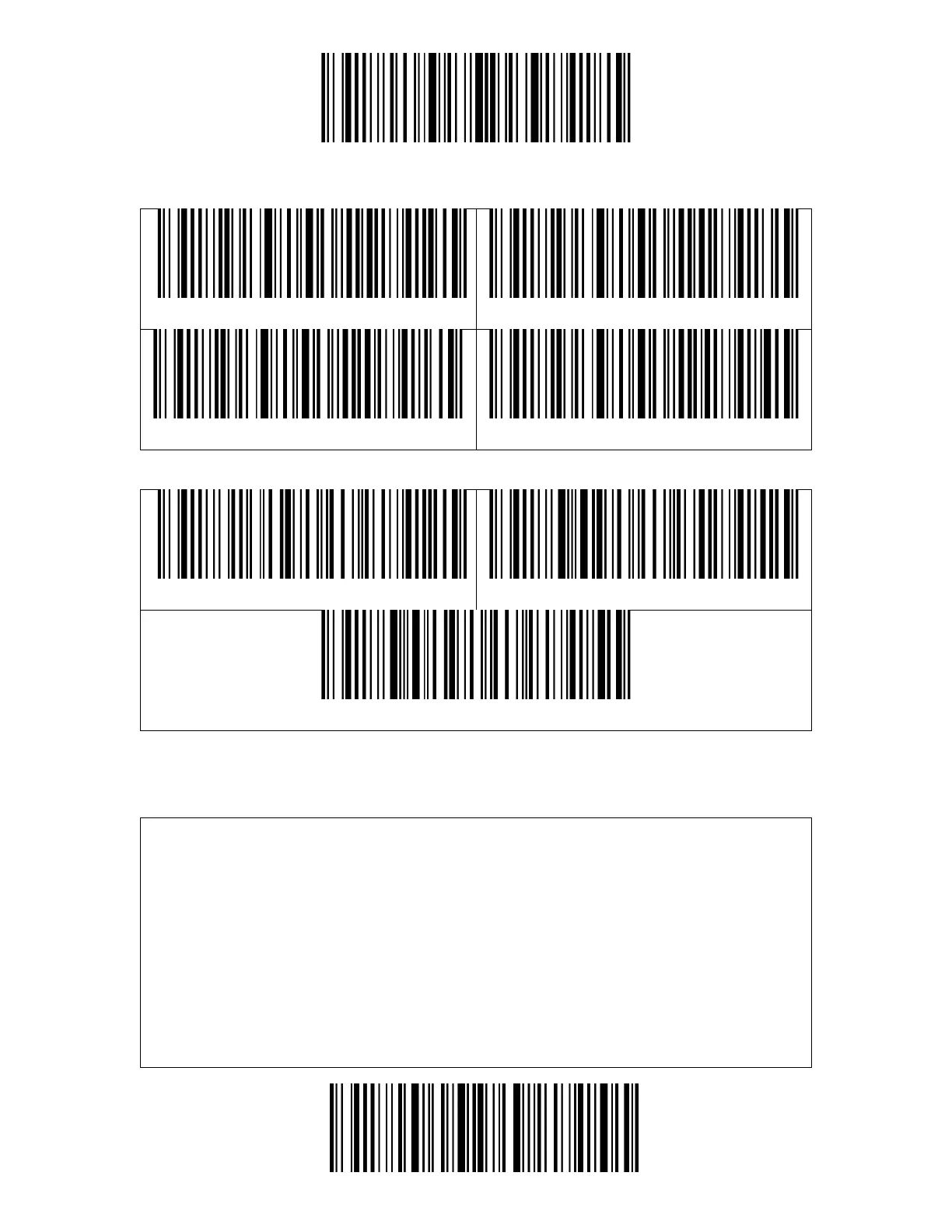
Auto red light shut off mode is the default mode. When under this mode, the red
light will not become lit unless you press the scan button. If no barcode is
scanned, the red light will stay on for some time which can be set as 1s, 2s, 3s, 5s
or 50s (2s is the default setting), and then go off. If the barcode is successfully
scanned, the red light will go off immediately.
For example: to set the scan mode as "Auto Red Light Shut off" and the shut off
time as 1s.
1. Scan the "Enter Setup" barcode.



 To Next Page