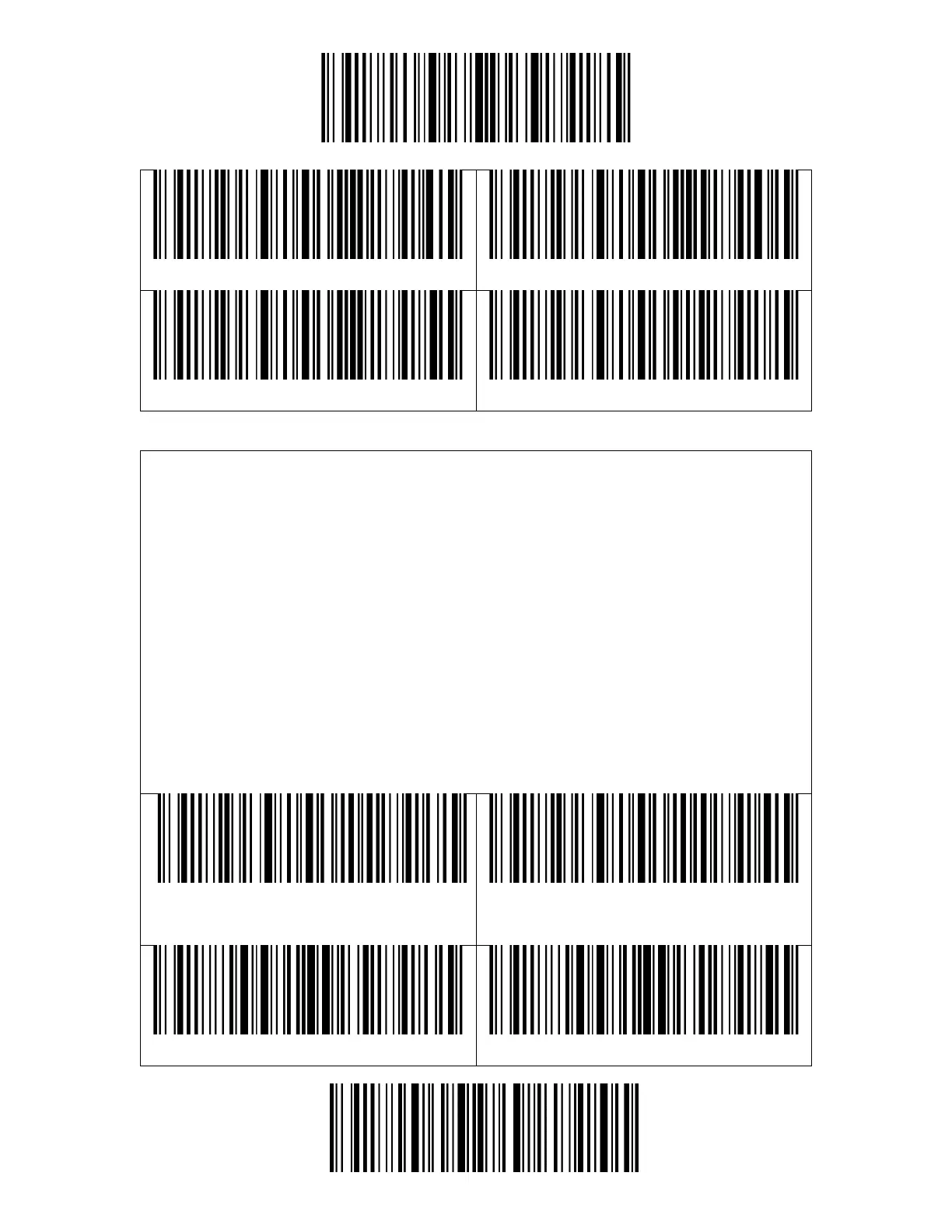
When outputting scanning result, the BCST-43 supports deleting 0–99 digit(s)
front characters and 0–99 digit(s) end characters from a barcode.
Steps to set deleting front 12-digit characters and end 4-digit characters are as
below:
1. Read the "Enter Setup" barcode.
2. Read the "Set the Number of Front Digit(s) to be Deleted" barcode.
3. Scan the "1 Digit" barcode.
4. Scan the "2 Digits" barcode.
5. Scan the "Set the Number of End Digit(s) to be Deleted".
6. Scan the "4 Digits" barcode.
7. Scan the "Exit and Save" barcode.



 To Next Page