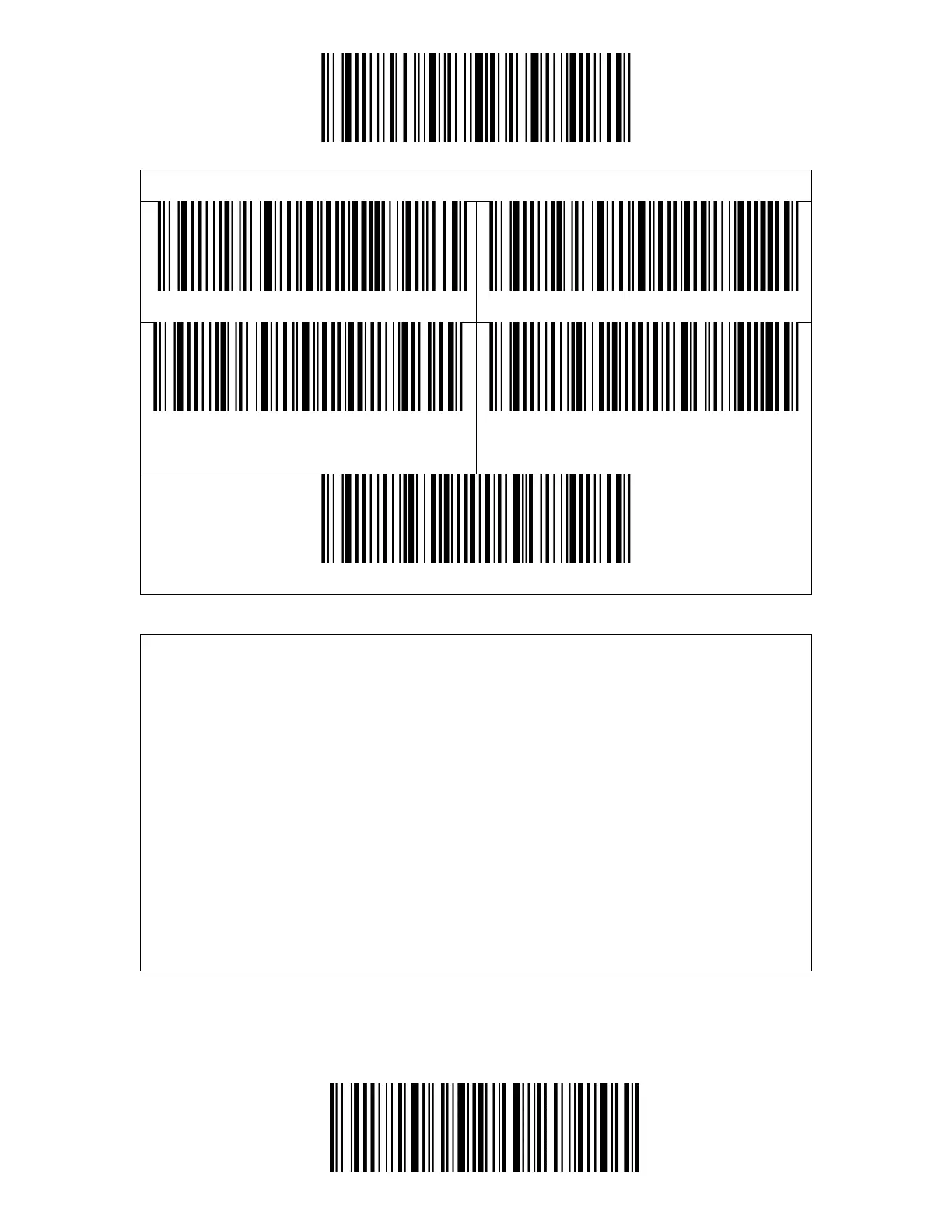
The BCST-43 supports replacing the GS separation character (^]) with specific
characters. The scanner defaults disabling the function.
Steps to set replacing GS separation character with character "A" are as below:
1. Read the "Enter Setup" barcode.
2. Read the "Set the GS Replacement Character" barcode.
3. Read the "A" barcode in Appendix I.
4. Read the "Exit and Save" barcode.
Note: After you complete setting the replacement character by following steps
above, the BCST-43 will automatically enable the replacing GS with other
characters function. If you want to disable the function, please read the "Enter
Setup" - "Disable Replacing GS with Other Character" - "Exit and Save" barcodes
in turn.



 To Next Page