EasyManua.ls Logo

InFocus IN3136a - Settings 1 Menu Options; Settings 1 Menu Overview

InFocus IN3136a
71 pages
Print Icon
To Next Page IconTo Next Page
To Previous Page IconTo Previous Page
Loading...
19
MAIN
MENU
SUB MENU
SETTINGS
Settings 1
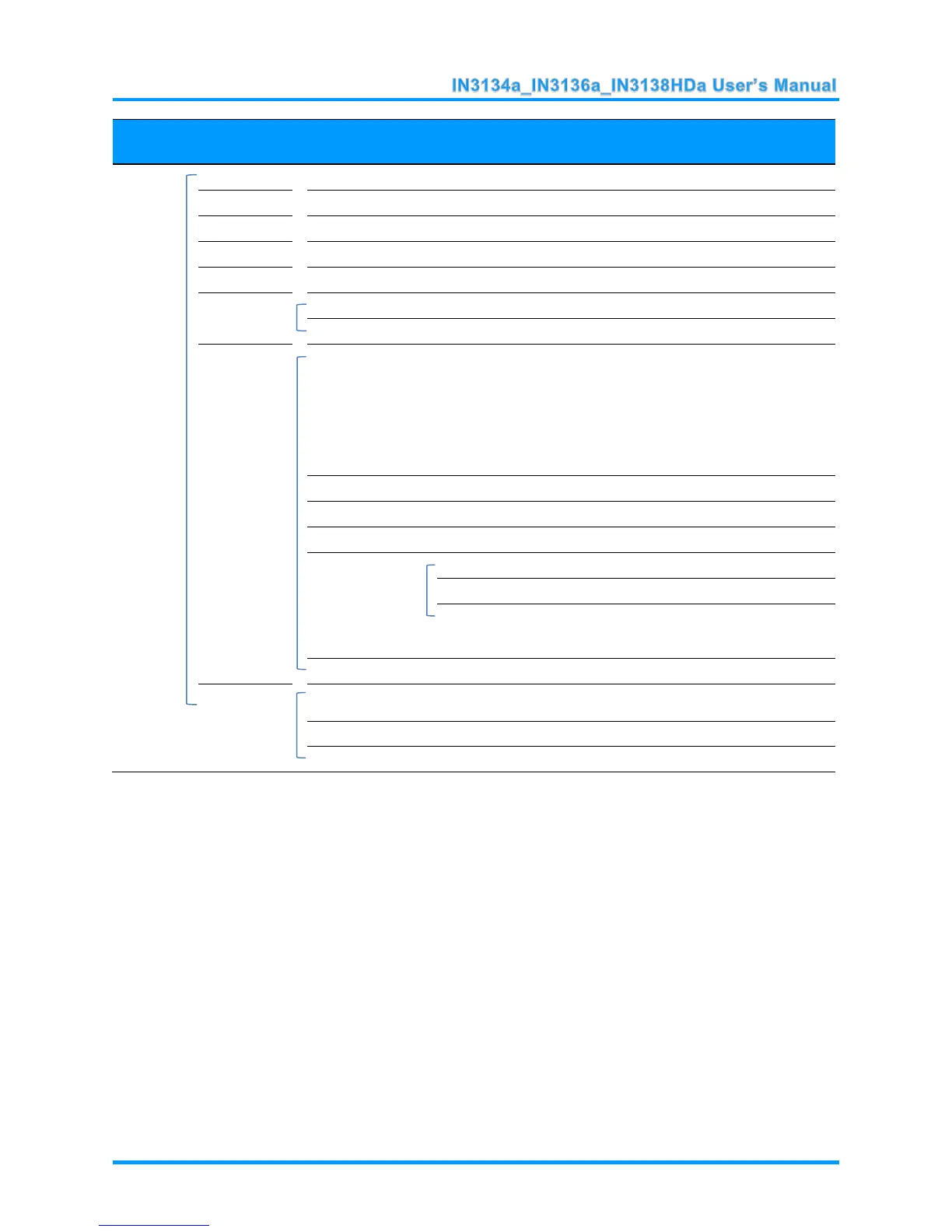
Source
Source
reference Input Source Select (IR/Keypad)
Projection
Normal, Real, Ceiling, Real+Ceiling
Aspect Ratio
Fill, 4:3, 16:9, Letter Box, Native, 2.35:1
Keystone
-40~40
Digital Zoom
-10~10
Audio
Volume
0~10
Mute
Off, On
Advanced 1
Language
English, Français, Deutsch, Español,
Português, 簡体中文, 繁體中文, Italiano,
Norsk, Svenska, Nederlands, Русский,
Polski, Suomi, Ελληνικά, 한국어, Magyar,
Čeština, , Türkçe, Vit, 日本語, ไทย,
, תירבע, Bahasa Indonesia
Security Lock
Off, On
Blank Screen
Blank, Red, Green, Blue, White
Closed Captioning
Off, On
3D Setting
3D
Off, DLP-Link, IR
3D Sync Invert
Off, On
3D Format
Frame Sequential, Top/Bottom, Side-By-
Side, Frame Packing (3D Frame Packing
HDMI source only)
Keypad Lock
Off, On
Advanced 2
Test Pattern
None, Grid, White, Red, Green, Blue,
Black

H Image Shift
-50~50
V Image Shift
-50~50

Table of Contents

Related product manuals