EasyManua.ls Logo

InFocus IN3136a - Audio Menu Settings; Audio Menu Options

InFocus IN3136a
71 pages
Print Icon
To Next Page IconTo Next Page
To Previous Page IconTo Previous Page
Loading...
20
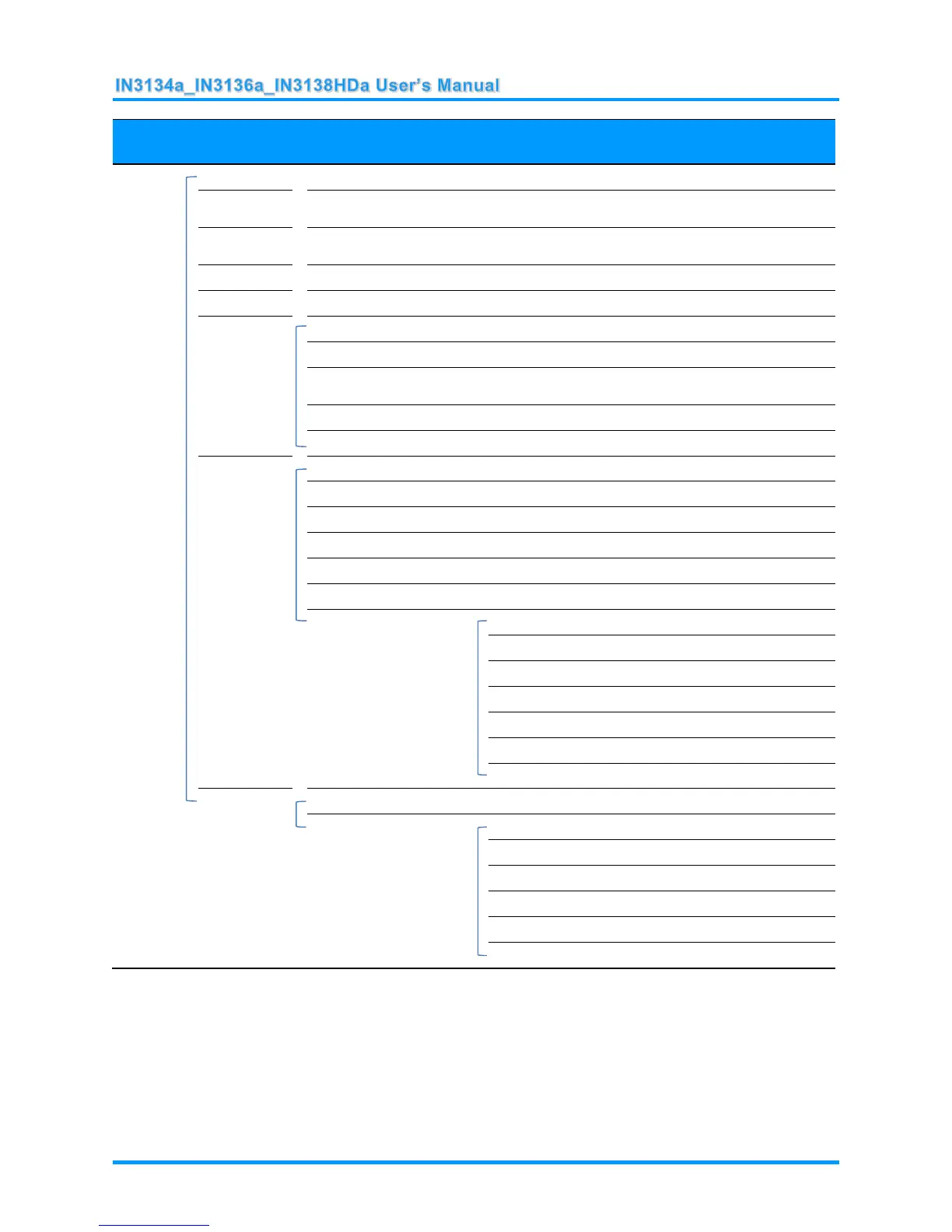
MAIN
MENU
SUB MENU
SETTINGS
Settings 2
Auto Source
Off, On
No Signal
Power Off
0~180
Auto Power
On
Off, On
Lamp Mode
ECO , Normal, Dynamic ECO
Reset All
Status
Active Source
Video Information
Lamp Hours(ECO, Normal,
Dynamic ECO)
Serial Number
Software Version
Advanced 1
Menu Position
Center, Down, Up, Left, Right
Translucent Menu
0%, 20%, 40%, 60%, 80%
Low Power Mode
Off, On, On By Lan
Fan Speed
Normal, High
Lamp Hour Reset
Projector ID
0-98
Network
Network State
Connect, Disconnect
DHCP
On, Off
IP Address
0~255, 0~255, 0~255. 0~255
Subnet Mask
0~255, 0~255, 0~255. 0~255
Gateway
0~255, 0~255, 0~255. 0~255
DNS
0~255, 0~255, 0~255. 0~255
Apply
Ok / Cancel
Advanced 2
Sleep Timer
0~600
Source Filter
HDMI1/MHL
Disable, Enable
HDMI2
Disable, Enable
VGA1
Disable, Enable
VGA2
Disable, Enable
S-Video
Disable, Enable
Composite Video
Disable, Enable

Table of Contents

Related product manuals