X1 Service Guide 20
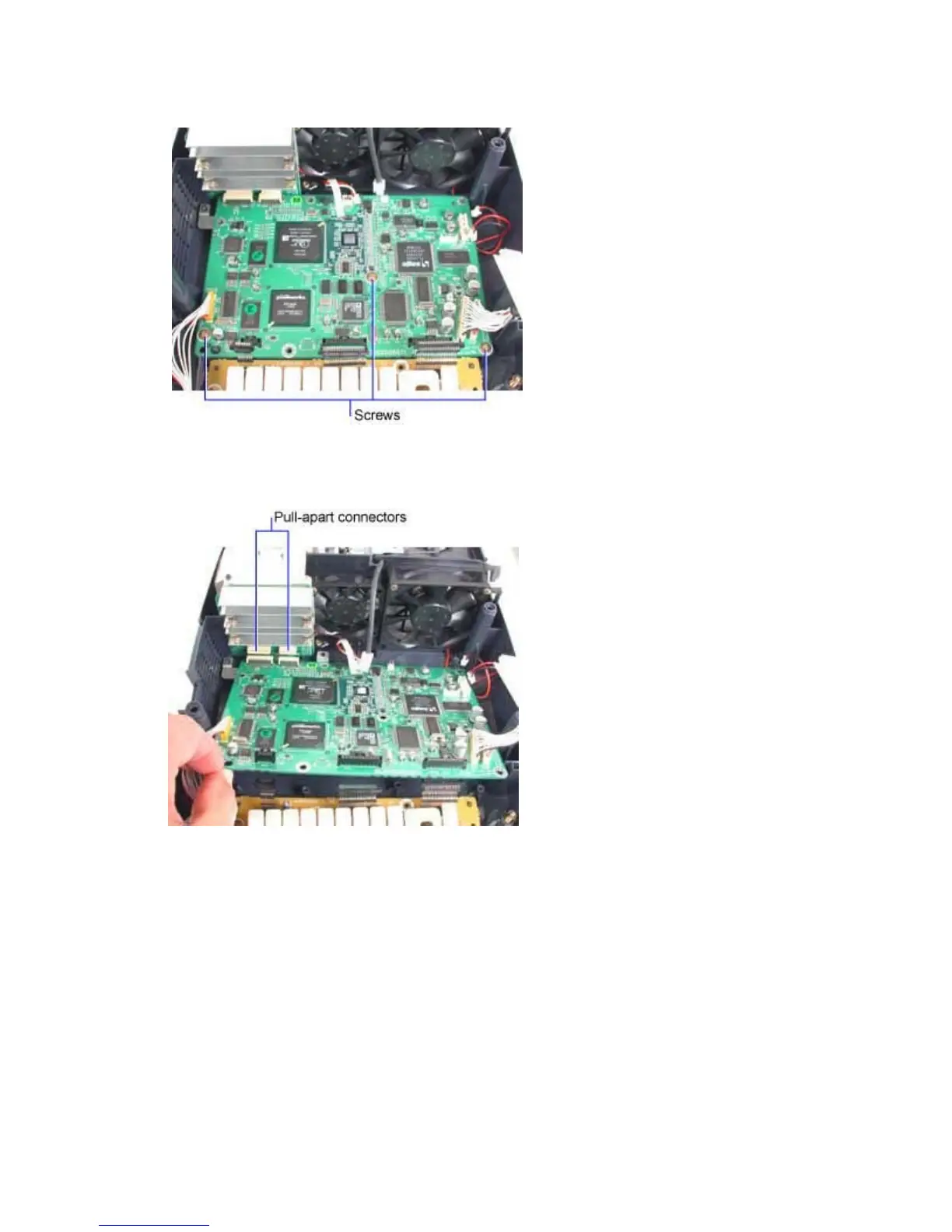
3. Remove the three M3x10 Plastite Phillips screws that fasten the controller ECA to the bottom
case.
4. Lift the rear of the controller ECA away from the bottom case. Then gently pull the controller
rearward to separate the two connectors at the DMD ECA.
5. Lift the controller ECA away from the projector.
Store the controller ECA in a static-free container while it is removed from the projector.



 To Next Page