INFOSEC UPS SYSTEM - 4, rue de la Rigotière - 44700 Orvault - FRANCE - www.infosec-ups.com
Hot Line – Tel + 33 (0)2 40 76 15 82 - Fax + 33 (0)2 40 94 29 51 - hotline@infosec.fr – 05 13 AA 59 208 13
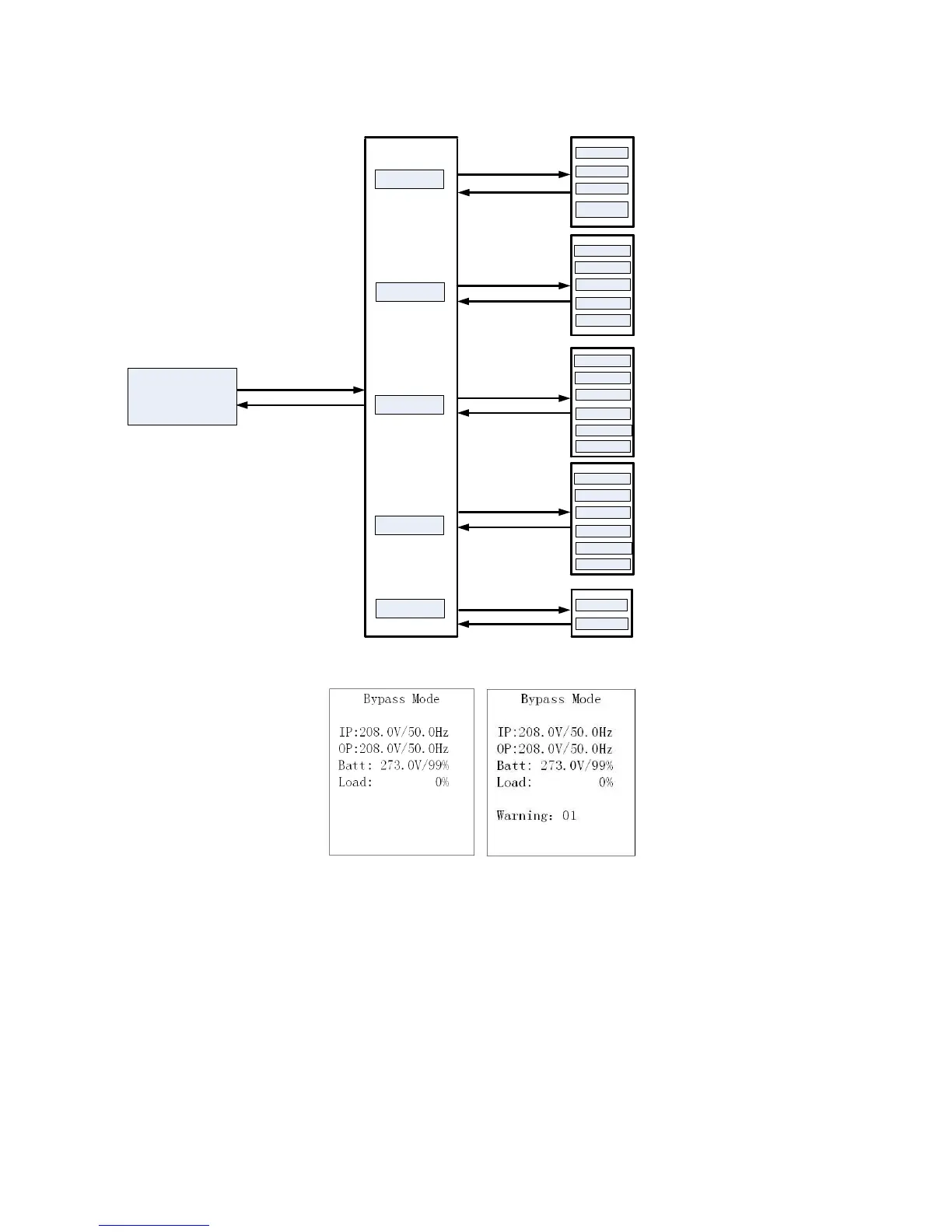
3-7-1. Main interface (home page)
1) In the first line, it will display the UPS running status mode;
2) When alarms happen, the warning or fault information will display below the “load” line;
3) When the front panel is not operated for 10 minutes, the display page will return back to home page;
4) Press the “UP” or “DOWN” button to enter the operation menu (see 3-7-2-1);
5) When it displays home page in LCD, if UPS is in bypass, you could press the “ON/ENTER” button to turn on the UPS to
AC / converter / ECO / battery mode according to the setting and input status; in reverse, you could press the
“OFF/ESC” button to allow UPS to bypass mode or shut down. (Refer to section of “Single UPS Operation”).















 To Next Page