Manual IP110 Release 6.0 Page 11
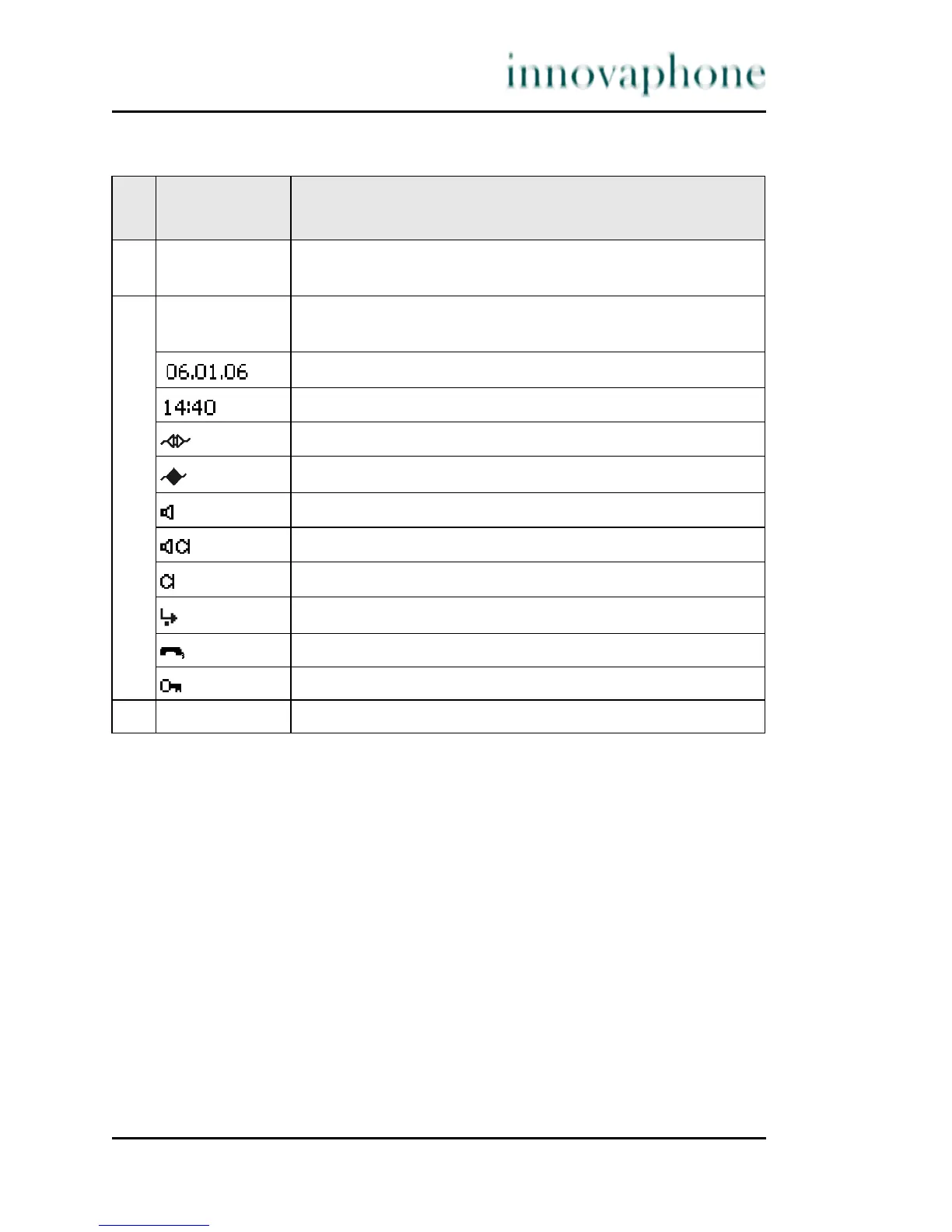
Table 2 IP110 display contents
Pos
.
Symbol Description
1 Name (H.323 ID or nickname of the innovaphone PBX
configuration)
2 Status line; provides information on the current status of
the telephone by means of the following symbols.
Date
Time
No connection to the gatekeeper
Connection established to the gatekeeper
Loudspeaker on
Hands-free system activated
Microphone switched off (symbol flashing)
Call diversion activated
Handset activated
Telephone locked
3 Own call number (E.164)





 To Next Page