Page 20 Manual IP110 Release 6.0
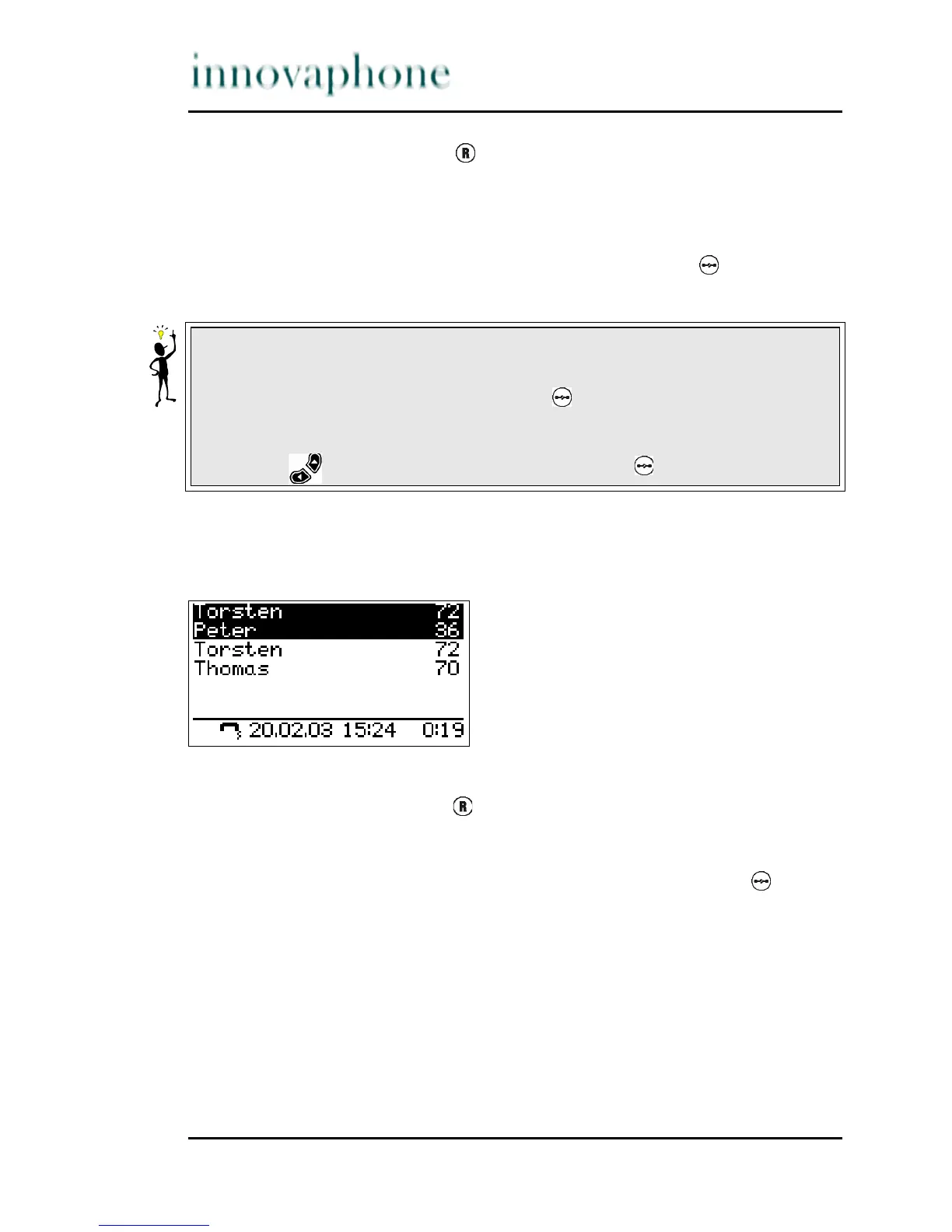
1. Press the Refer-back key during a call. The call is put on hold. You
hear a dial tone. The line on hold is displayed normally, the active line
inversely (see Fig 11).
2. Dial the call number. A further connection is established.
3. To terminate the refer-back call, press the Clearing key . You return to
the conversation partner previously put on hold.
3.2.9 Switching
You can switch between two connections using the switch function.
Fig. 12 Switching
1. Press the Refer-back key during a call with an active line and a line on
hold. The active line is put on hold and the line on hold activated (see
Fig. 12).
2. To terminate the active line, you must press the Clearing key . The
connection to the active conversation partner is terminated. Observe
also the tip in Section 3.2.8, "Making second calls", beginning on page
19.
Tip
The call with the conversation partner highlighted on the display (active) is
terminated by pressing the Clearing key . If you alternatively want to
terminate a call with another conversation partner, first select the respective
conversation partner whose connection you want to disconnect using the
Arrow key and only then press the Clearing key .





 To Next Page