Manual IP110 Release 6.0 Page 19
3.2.7 Muting
You can mute the microphone during a call to make a confidential enquiry in the
room without being heard on the phone.
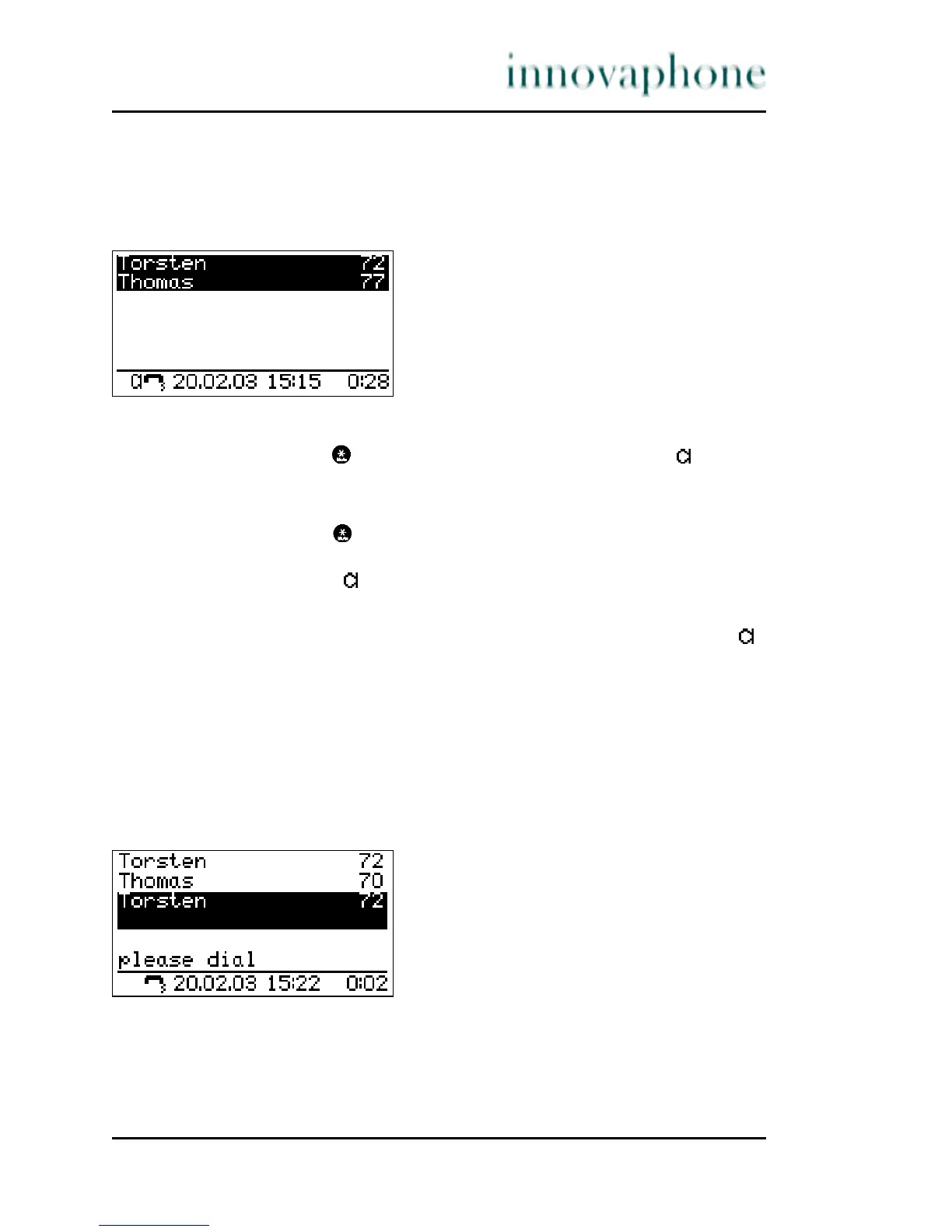
Fig. 10 Muting
1. Press the Mute key during a call. The microphone symbol " " flashes
(see Fig. 10). The handset or the hands-free microphone is switched off.
You can now make a room enquiry.
2. Press the Mute key again.
If you are making a call with the handset picked up, the flashing
microphone symbol " " disappears and the handset microphone is
switched on again.
3. If you are making a call in hands-free mode, the microphone symbol " "
is displayed permanently and the hands-free microphone is switched on
again. You can continue your call.
3.2.8 Making second calls
The line can be put on hold during a call. With the call on hold, you can make a
second call to someone else. The person on hold can't hear the second call. The
hold function is also needed to switch or transfer a call.
Fig. 11 Holding a call





 To Next Page