Manual IP110 Release 6.0 Page 17
Dialling numbers from the redial list
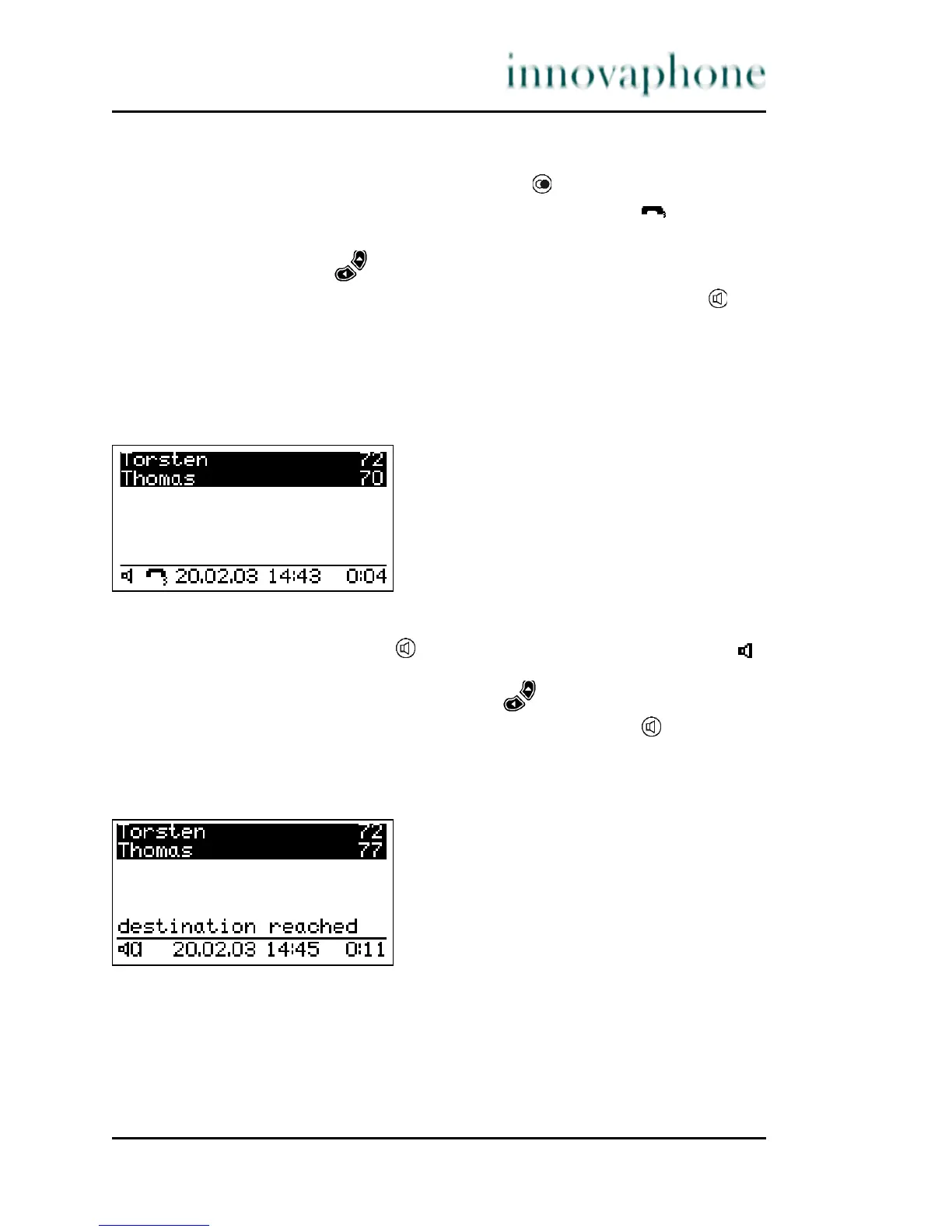
1. In the initial condition, press the Redial key . The list of numbers
dialled last is displayed (see Fig. 7). The handset symbol on the
display indicates that there has been a call.
2. Use the arrow keys to select the desired entry.
3. To start dialling, pick up the handset or use the Loudspeaker key .
3.2.5 Loudspeaker
You can switch on the loudspeaker while making a call with the handset to allow
the call to be heard within the room.
Fig. 8 Loudspeaker
1. Press the Loudspeaker key during a call. The loudspeaker symbol
appears (see Fig. 8) and the loudspeaker is activated. You can adjust the
volume as desired using the Arrow keys .
2. To switch the loudspeaker off, press the loudspeaker key again.
3.2.6 Hands-free conversation
The hands-free system allows calls to be made with the handset hung up.
Fig. 9 Hands-free conversation





 To Next Page