Manual IP110 Release 6.0 Page 37
3.5 Switches menu
The Switches menu contains user-specific setting options for setting up of the
VoIP telephone IP110.
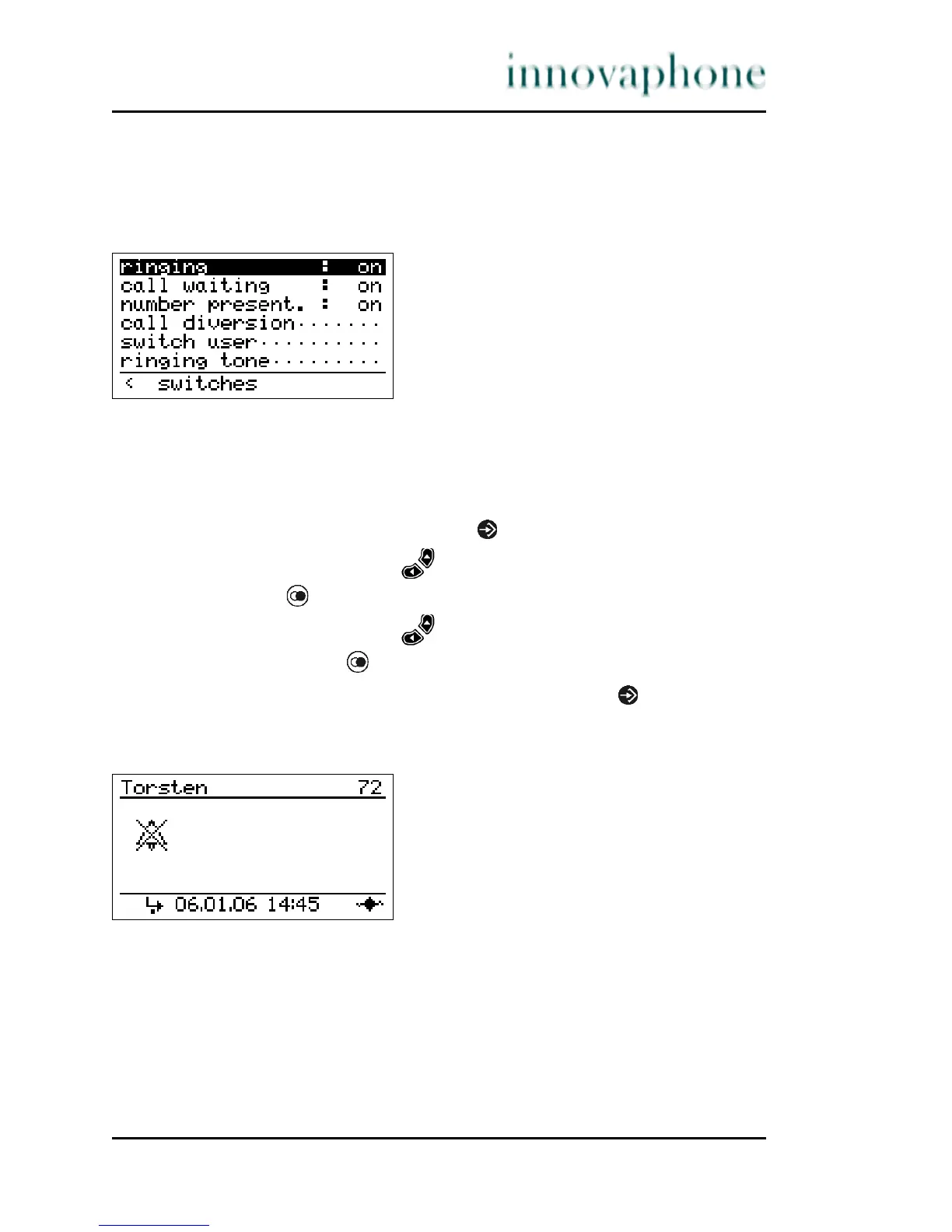
Fig. 25 Switches menu
3.5.1 Ringing
The integrated ring tone can be switched on or off (silent telephone).
1. In the initial condition, press the key .
2. With the Arrow keys, select the menu Switches.
3. Press the key . The display appears in Fig. 25.
4. With the Arrow keys, select the menu Ringing.
5. If you now press the key, you can switch between "on" and "off".
6. To save the selection, leave the menu by pressing the key twice.
If the ringtone is switched off, the following is displayed in Fig. 26.
Fig. 26 Bell off





 To Next Page