Manual IP110 Release 6.0 Page 39
3.5.4 Call diversion
The Call diversion menu enables you to be available even in your absence.
The IP telephone supports three different types of call diversions:
• permanent diversion: All calls are immediately diverted to another
subscriber.
• engaged: In this case calls are diverted if there is already an active call.
• delayed: In this case calls are diverted which have not been answered
within a certain period of time.
Call diversion setup and activation/deactivation
1. In the initial condition, press the key .
2. With the Arrow keys, select the menu Switches.
3. Press the key . The display appears in Fig. 25.
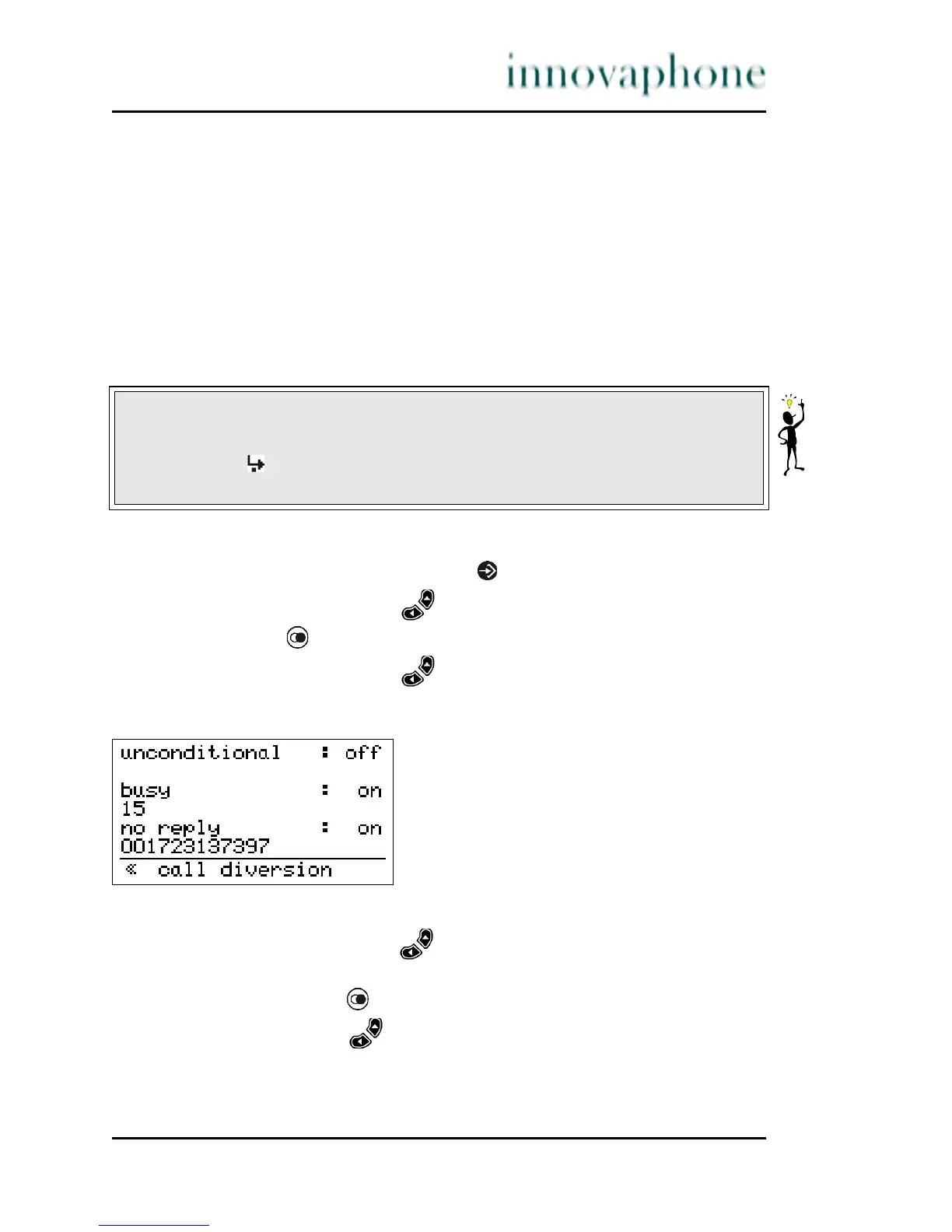
4. With the Arrow keys, select the menu Call diversion. The display
appears in Fig. 27.
Fig. 27 Call diversion menu
5. With the arrow keys, select the desired call diversion type:
permanent, engaged or delayed.
6. If you now press the key, you can switch between "on" and "off".
7. Using the arrow keys , switch to the line below the desired call
diversion type.
8. Enter the telephone number of the desired call diversion destination.
Tip
In the initial condition of the IP telephone, active call diversions are indicated
by the symbol in the status line. The destination of permanent diversions
is also displayed.





 To Next Page