Page 16 Manual IP110 Release 6.0
3.2.3 Making calls
Proceed as follows to make a call:
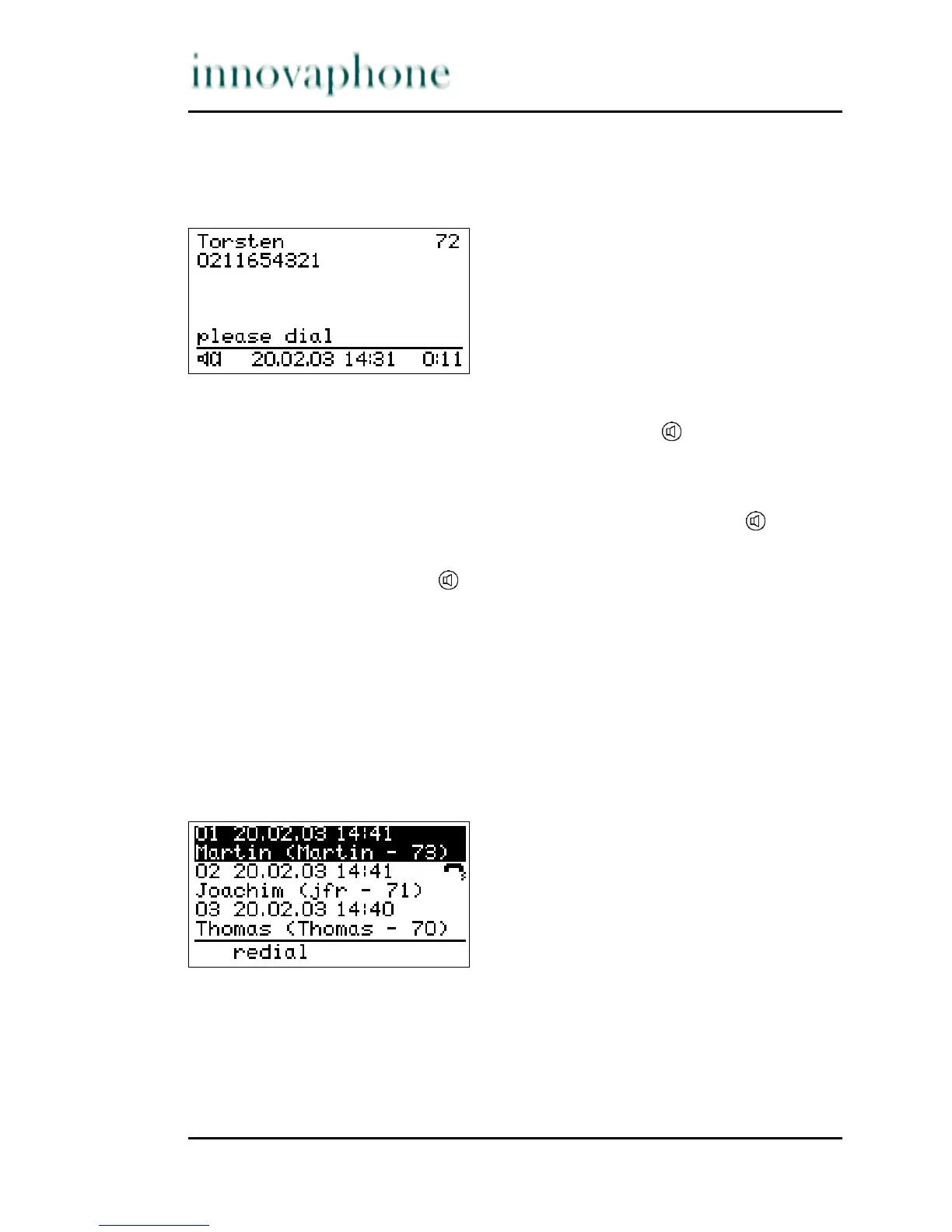
Fig. 6 Direct dialling
1. Pick up the handset or press the Loudspeaker key .
2. Enter the phone number. In this case the IP telephone dials the number
while it is being entered.
3. At the end of the call, hang up or press the loudspeaker key .
You can also enter the phone number first and then pick up the handset or
press the loudspeaker key .
During existing connections all digits which are entered are transmitted as DTMF
signals. Using this DTMF procedure it is possible to access menu-controlled
services (e. g. answering machines, language boxes) directly via the telephone
keypad.
3.2.4 Redialling
Up to 100 of the last numbers dialled are saved automatically, together with the
time and date, and can be dialled again.
Fig. 7 List of recently dialled numbers





 To Next Page