Manual IP110 Release 6.0 Page 15
3.2 Call functions
3.2.1 Answering calls
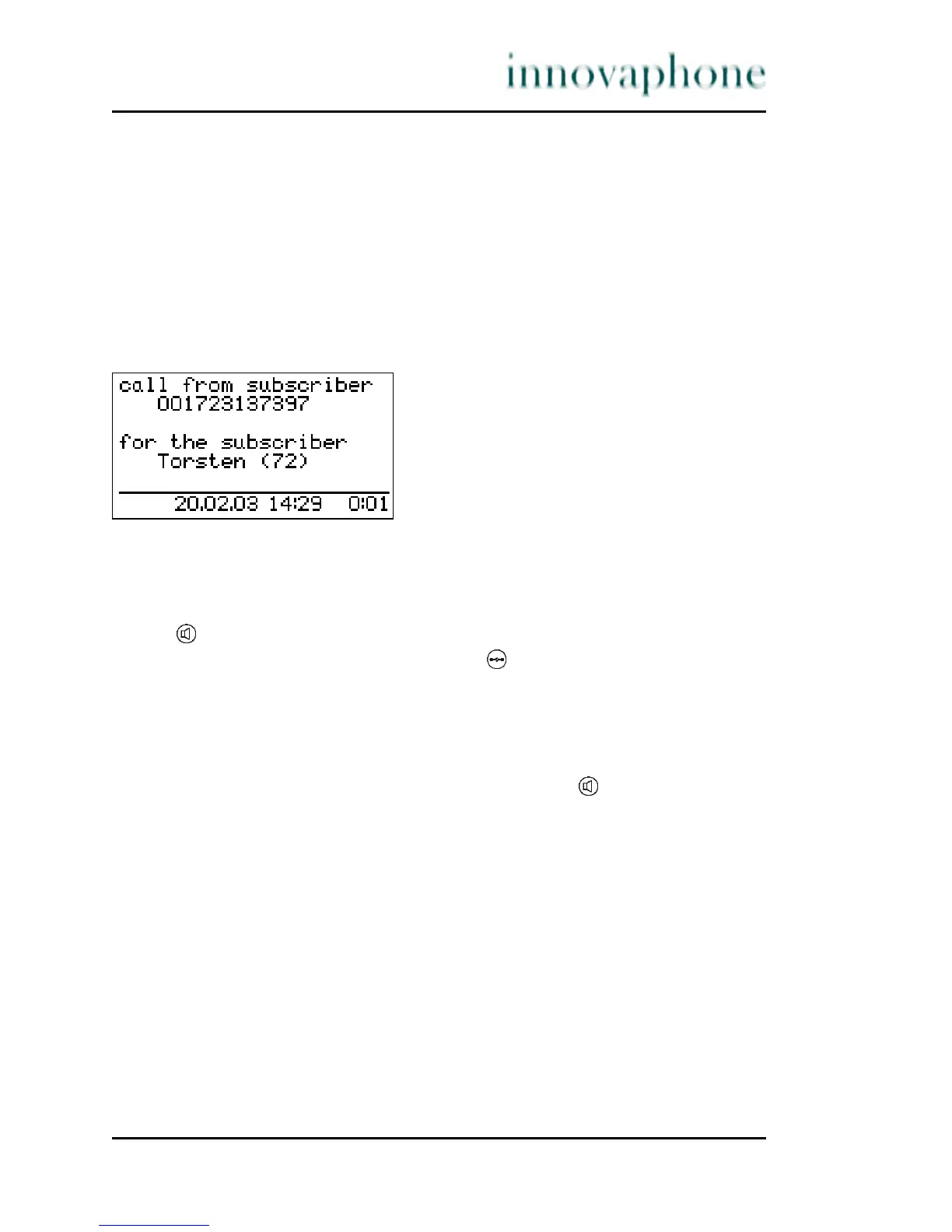
You receive a call and your phone rings. The name or phone number of the caller
is displayed. The name or phone number of the person for whom the call is
intended is also displayed. This is particularly useful in the event of multiple
registrations on your telephone in order to identify the actual caller when a call
is diverted to your telephone.
Fig. 5 Answering a call
Answering or rejecting calls:
If you would like to answer the call, lift the handset or press the loudspeaker
key . You will be connected to the caller.
To reject the call, press the Clearing key . The phone returns to the idle
state and the caller will hear an engaged tone.
3.2.2 Terminating a call
To finish a call, put the handset back on its rest. In loudspeaking mode (with
the handset on the rest), press the loudspeaker key. .




 To Next Page