Manual IP110 Release 6.0 Page 27
3.3 Call lists menu
All outgoing and incoming calls are saved in a call list.
1. In the initial condition, press the key .
2. With the Arrow keys, select the menu Call lists.
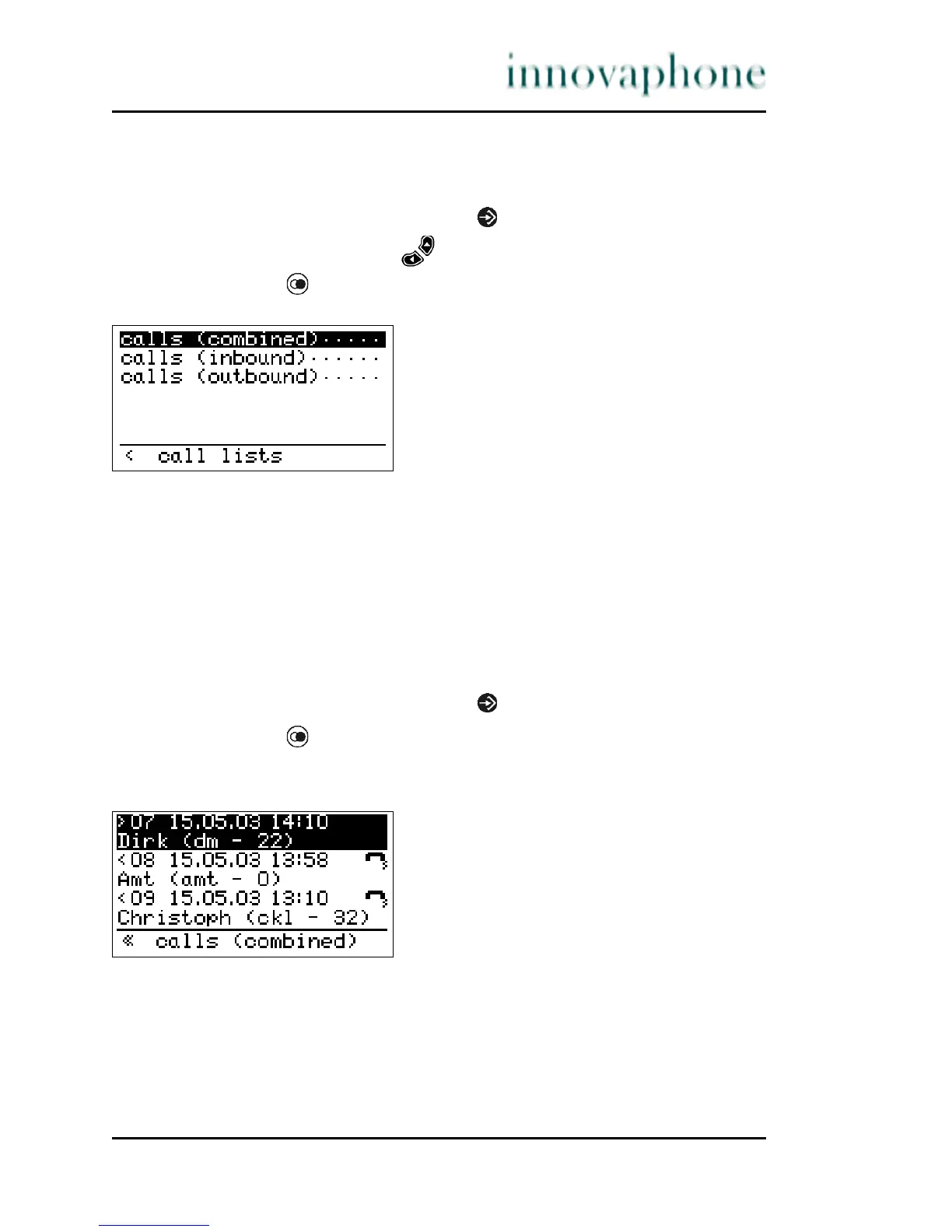
3. Press the key . The following will be displayed:
Fig. 17 Call lists menu
It is possible to directly dial the call number again via the calls (combined),
calls (inbound) and calls (outbound) menus. Refer to Section 3.2.4,
"Redialling", beginning on page 16 and Section 3.3.2, "Calls (inbound) (call list)",
beginning on page 28 for the procedure.
3.3.1 Calls (combined)
This function shows a combined call list with incoming and outgoing calls.
1. In the initial condition, press the key . The display appears in Fig. 17.
2. Press the key .
The following is displayed if entries are available:
Fig. 18 Combined call list menu





 To Next Page