Page 26 Manual IP110 Release 6.0
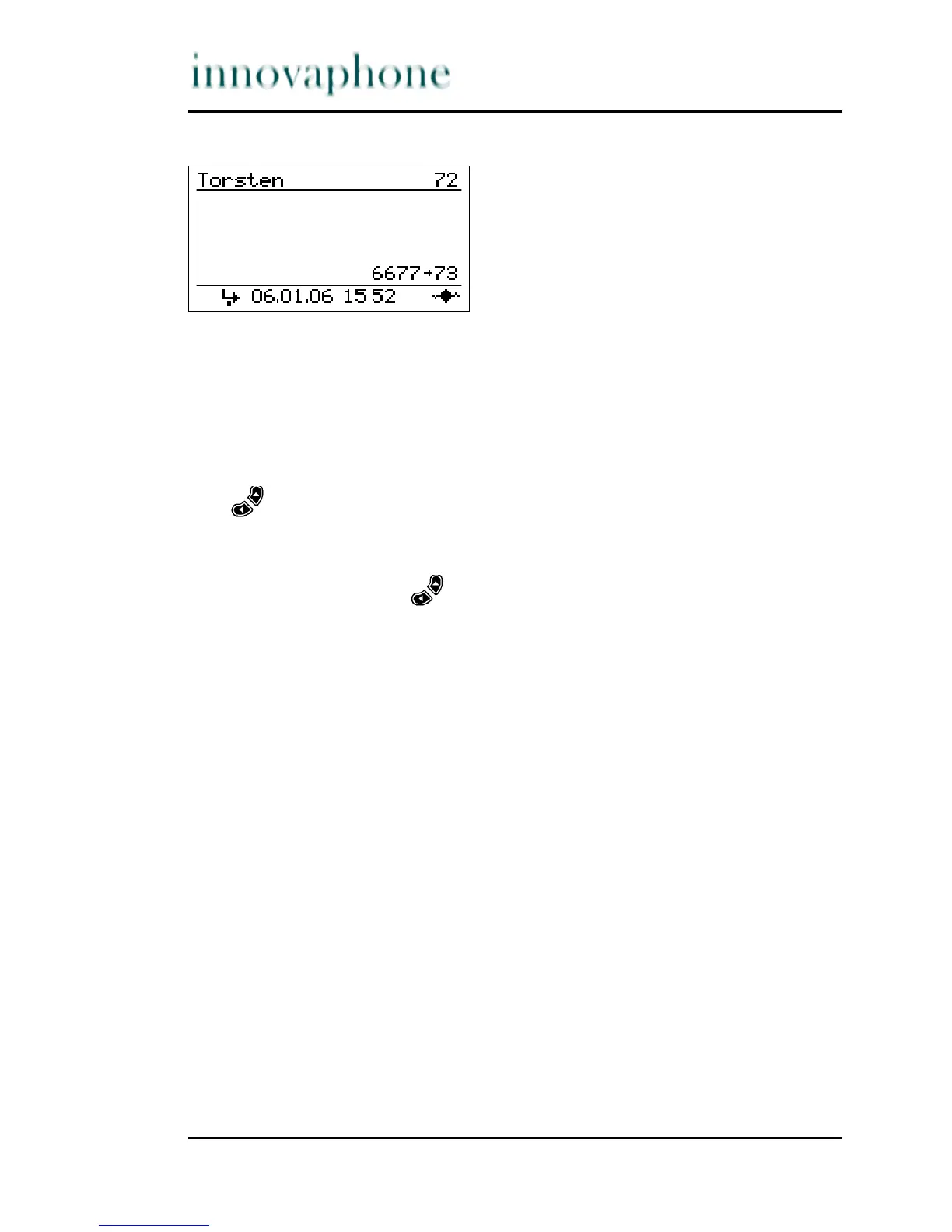
Fig. 16 Active calls in the pickup list
If there is only one call currently active, it can be picked up by pressing the
Pickup key.
Press the function key assigned the pickup function in order to pick up the
call.
If several calls are active, the respective call can be selected with the Arrow
keys and subsequently picked up using the Pickup key.
1. Press the function key assigned the pickup function. The Pickup menu
appears (see Fig. 16).
2. Use the arrow keys to select the desired entry.
3. Press the function key assigned the pickup function in order to pick up
the selected call.





 To Next Page