Manual IP110 Release 6.0 Page 43
3.6.2 Network
The Network menu contains information about IP network integration. These
are only of interest to the administrator and may not be changed by the user.
1. In the initial condition, press the key .
2. With the Arrow keys, select the menu Administration.
3. Press the key . The display appears in Fig. 29.
4. With the Arrow keys, select the menu Network.
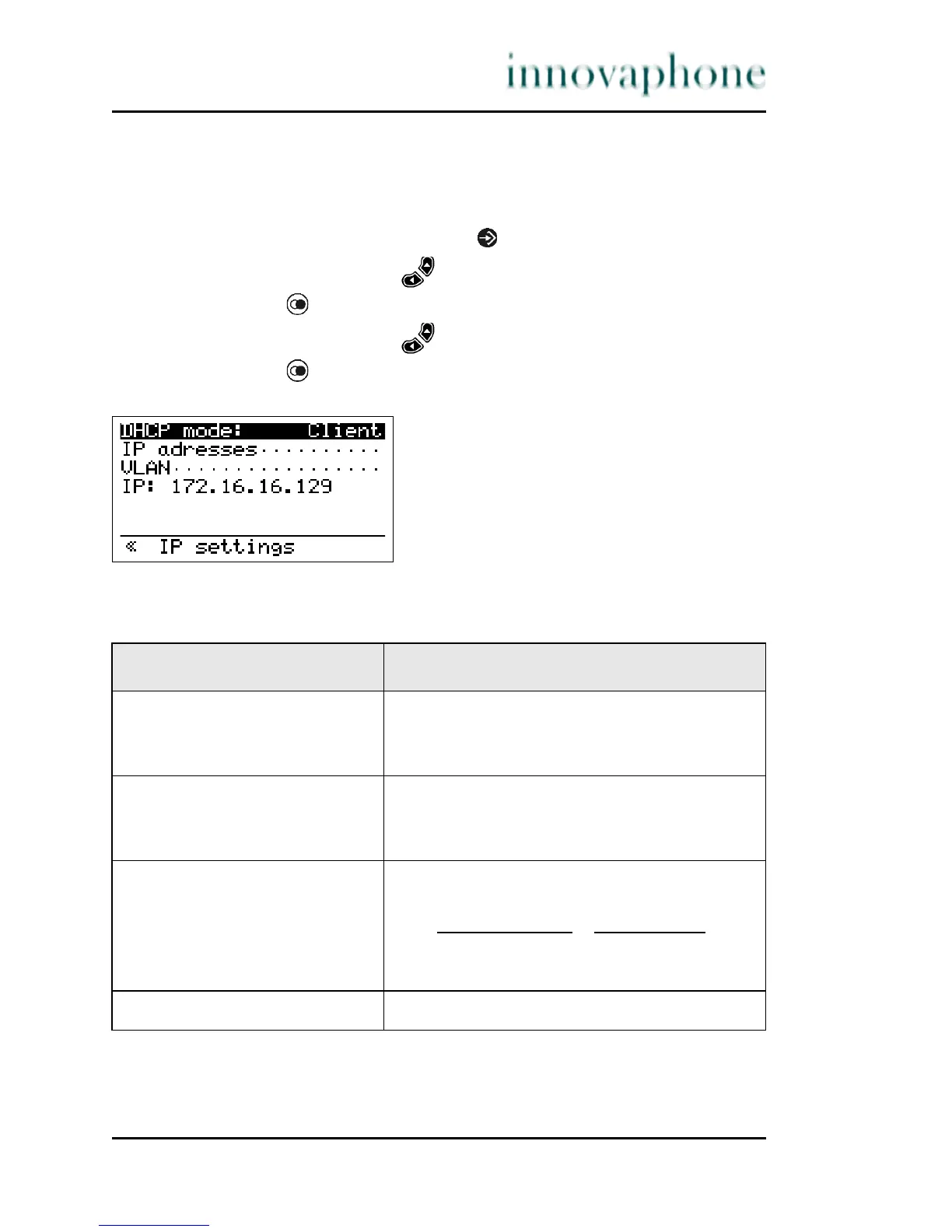
5. Press the key . The display appears in Fig. 31.
Fig. 31 Administration Network menu
The possibility exists of setting the following IP properties via this menu:
Table 4 IP Properties Network menu
Menu option Setting option
DHCP mode Client
Server
off
IP addresses Interface IP address
IP address mask
Standard IP Gateway
VLAN VLAN header off
VLAN header on
(if VLAN header
on, additionally:)
VLAN priority
VLAN identifier
IP Display of current IP address





 To Next Page