Page 42 Manual IP110 Release 6.0
3.6 Administration menu
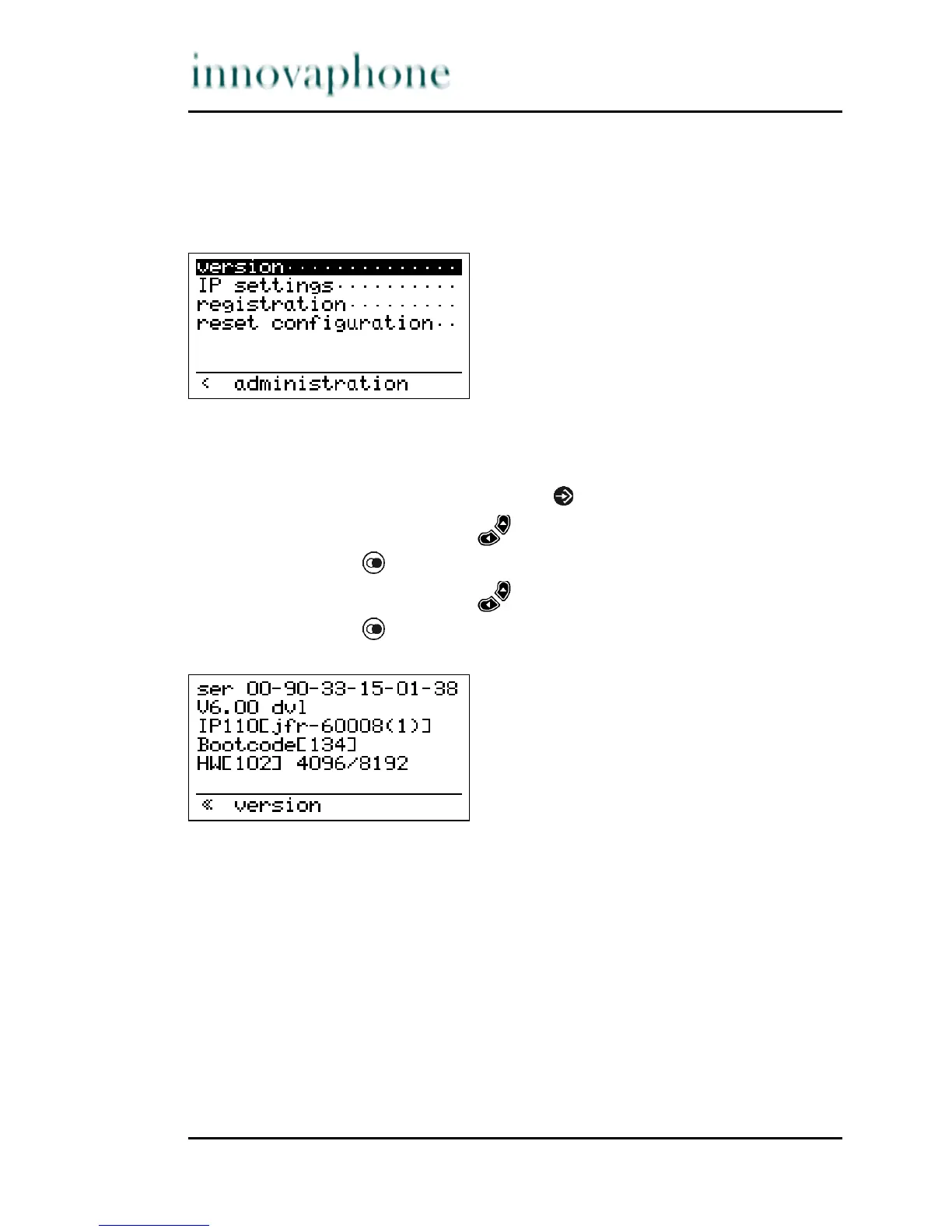
The Administration menu contains the administrative data relating to the
network and the registration of the VoIP telephone IP110.
Fig. 29 Administration menu
3.6.1 Version
1. In the initial condition, press the key .
2. With the Arrow keys, select the menu Administration.
3. Press the key . The display appears in Fig. 29.
4. With the Arrow keys, select the menu Version.
5. Press the key . The display appears in Fig. 30.
Fig. 30 Administration Version menu
The serial number, the firmware version number and the bootcode version
number are displayed .





 To Next Page