Manual IP110 Release 6.0 Page 33
3.4.2 Searching for entries
The directory is opened automatically by entering a letter. The entries of the
subscribers beginning with the entered letters are displayed.
1. Enter the first letter of the entry you are looking for. The entries
beginning with these letters appear on the display (see Fig. 23).
2. Use the arrow keys to select the desired entry.
3. You can call this contact as usual by picking up the handset or by
pressing the loudspeaker key .
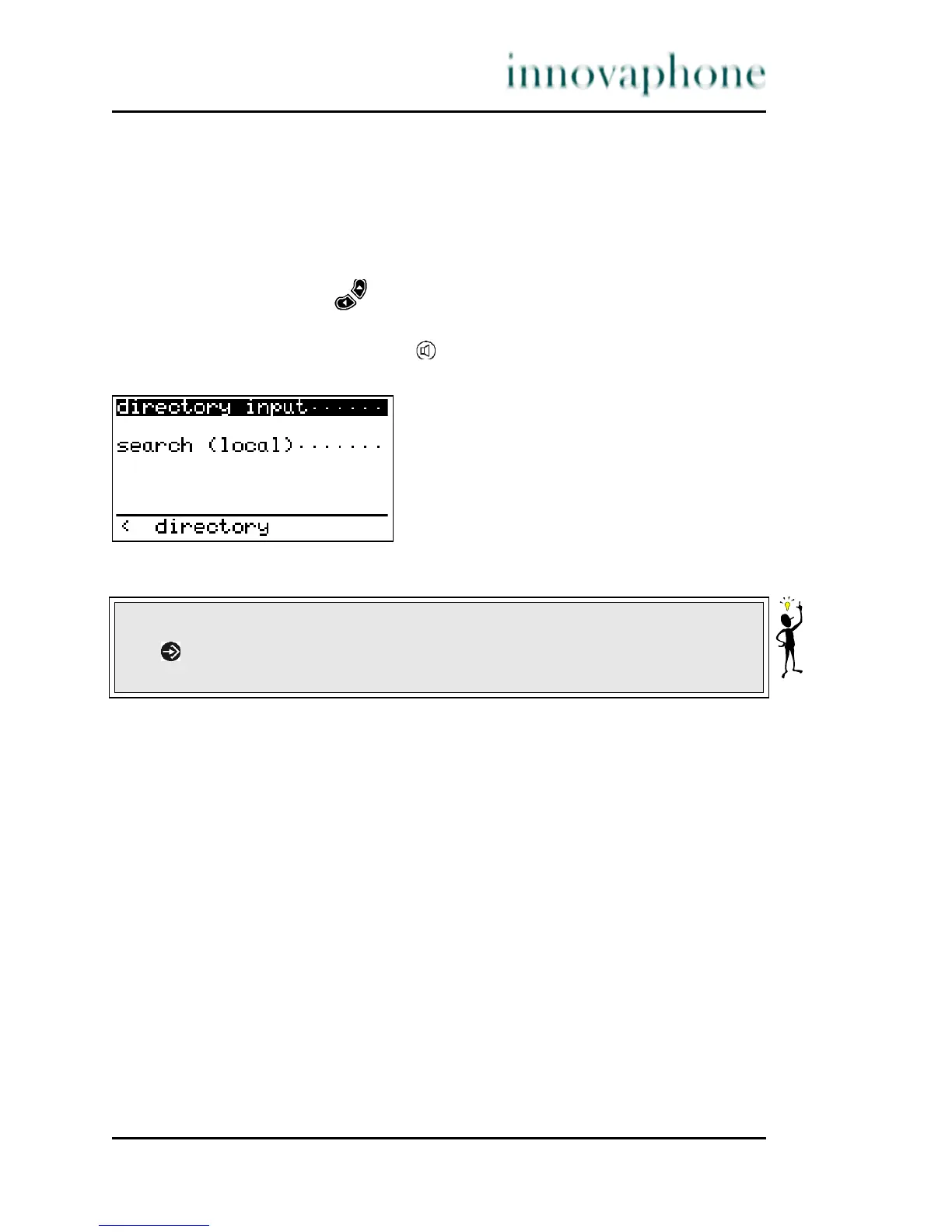
Fig. 23 Dialling numbers from the telephone directory
The search can also be carried out selectively in the menu > Telephone
directory:
Search (local) only searches in the telephone directory of the phone.
Search (external) searches on an external LDAP server.
Search (exchange) searches in the telephone directory of the telephone
system.
Search (combined) searches in all available directories.
Tip
The key leads to the current entry in a context menu. You can start dialling
from this menu (with phone number suppression if desired).





 To Next Page