Manual IP110 Release 6.0 Page 21
3.2.10 Transferring a call
You are making a call and would like to transfer it to another party.
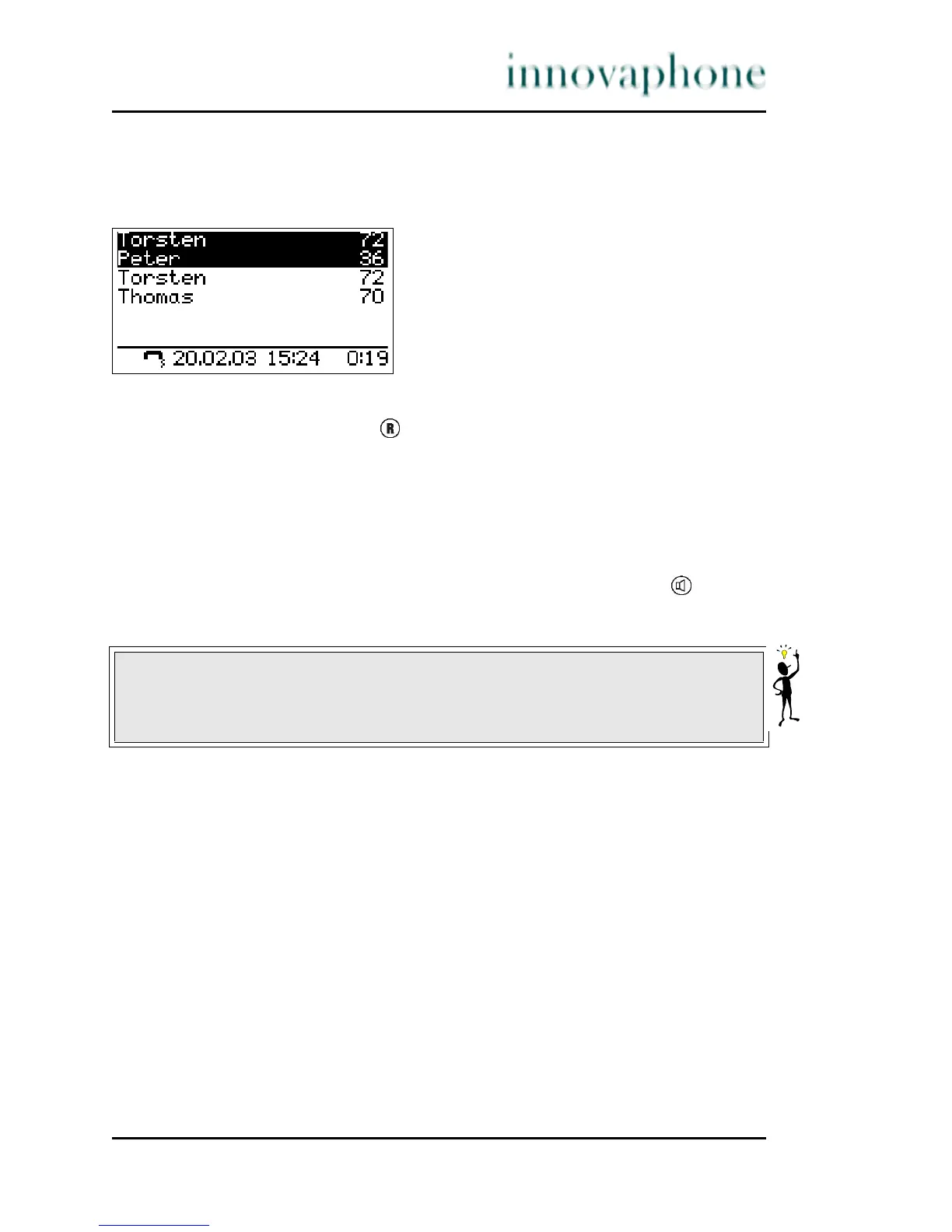
Fig. 13 Transferring a call
1. Press the Refer-back key during a call.
The call is put on hold. You hear a dial tone. The line on hold is displayed
normally and the active line inversely.
2. Dial the call number of your choice.
The connection is established. If the called party answers, this can be
treated like a second call, as above.
3. Hang up or, in hands-free mode, press the Loudspeaker key . The
caller will be connected.
Tip
When transferring a call, you do not have to wait until the desired subscriber
answers. You can hang up immediately after dialling the phone number.





 To Next Page