2-1
Chapter 2
Preparing the System
• Before you Begin . . . . . . . . . . . . . . . . . . . . . . . . . . . . . . . . . . . . . . . . . . . . . . . . . . . 2-1
• Start the System . . . . . . . . . . . . . . . . . . . . . . . . . . . . . . . . . . . . . . . . . . . . . . . . . . . . 2-2
• Control Panel . . . . . . . . . . . . . . . . . . . . . . . . . . . . . . . . . . . . . . . . . . . . . . . . . . . . . . 2-3
• Bluehill Software . . . . . . . . . . . . . . . . . . . . . . . . . . . . . . . . . . . . . . . . . . . . . . . . . . . 2-6
• Assemble the Load String . . . . . . . . . . . . . . . . . . . . . . . . . . . . . . . . . . . . . . . . . . . . 2-8
• Preload the Load String . . . . . . . . . . . . . . . . . . . . . . . . . . . . . . . . . . . . . . . . . . . . . 2-17
Before you Begin
Before you start the system, make sure you familiarize yourself with the following controls:
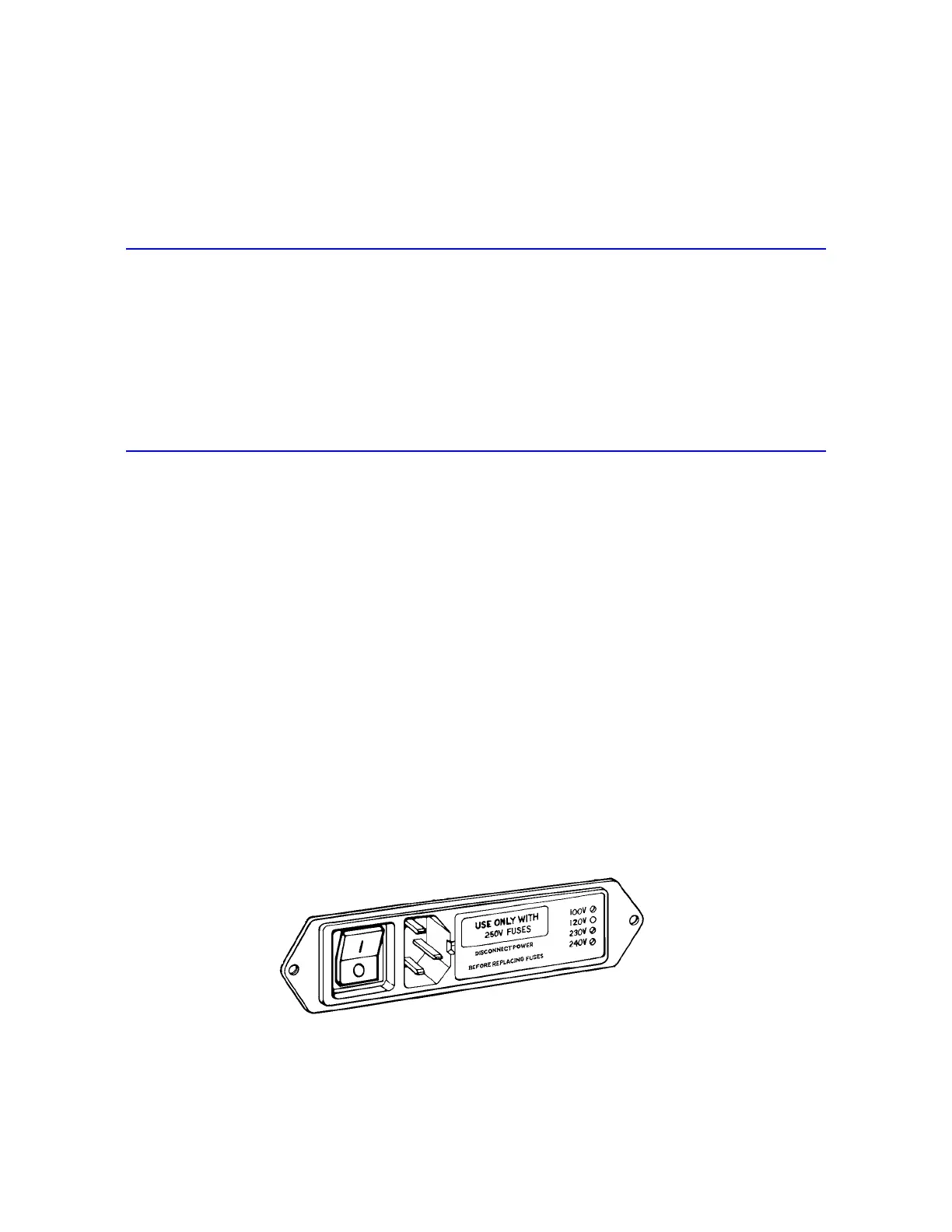
Power Input Connector
The power input connector, shown in Figure 2-1, performs the following functions:
• Connects the load frame to the electrical power supply.
• Contains the power ON/OFF switch.
• Holds the power fuse.
• Controls the voltage setting. The voltage setting can be changed if necessary, refer to the
System Support manual for details.
Figure 2-1. Power Input Connector



 To Next Page