3-13
Stop a test
Product Support: www.instron.com
1. Make sure that no specimen is installed.
2. Click on the icon for the transducer in the system settings area of the console.
3. In the first tab, select the transducer configuration in the Transducer field.
4. Click the Balance button.
Stop a test
You can stop a test by using hardware controls on the machine or settings in the software.
The following sections describe the different ways to stop a test.
Control Panel Buttons
Press the STOP button on the control panel to stop the crosshead during or after a test. The
crosshead remains in its current position.
Press the
RETURN button on the control panel to stop a test and return the crosshead to the
gauge length position specified during test setup.
Emergency Stop Button
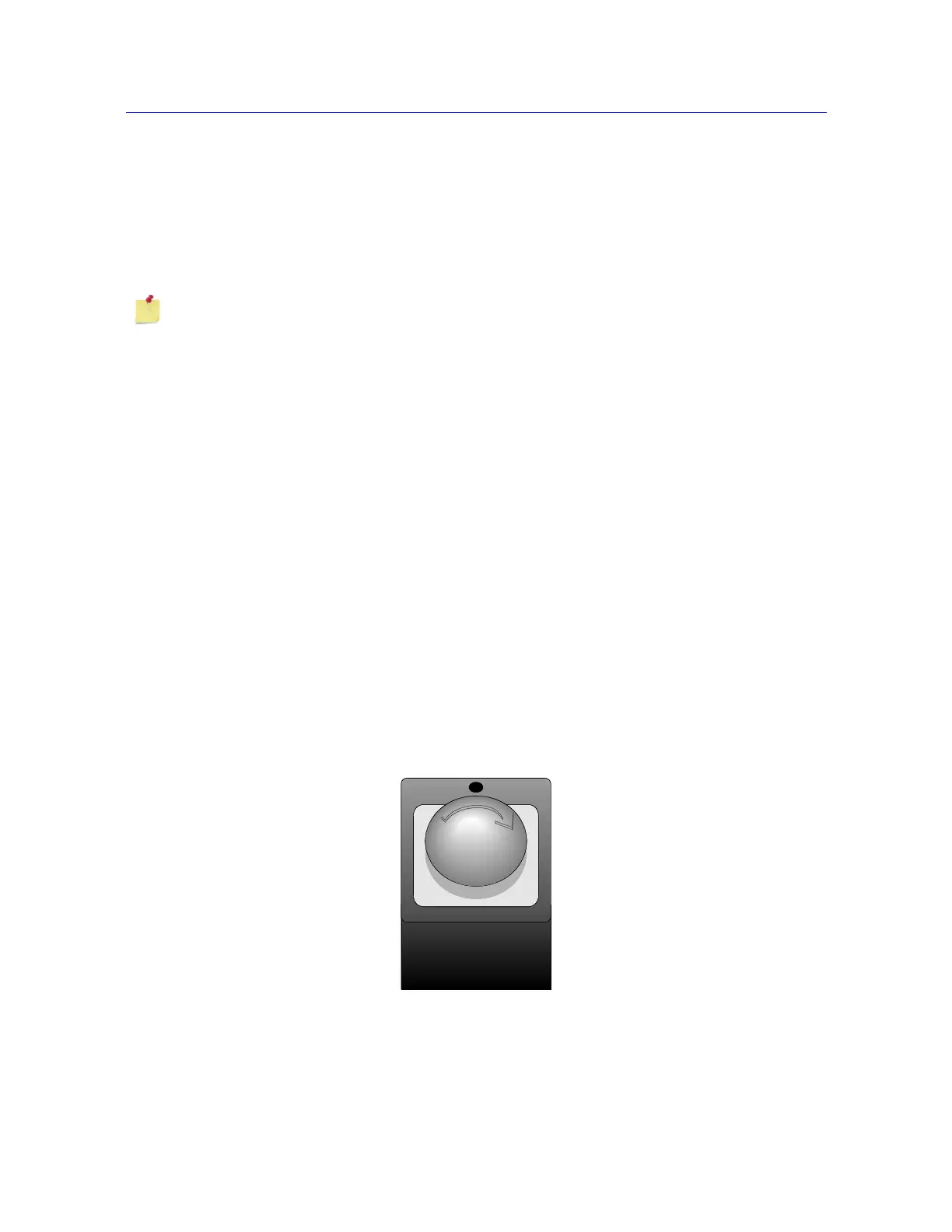
The Emergency Stop button is a large, round, red button on the testing system. Press this
button to stop the test as soon as possible when a condition develops that:
You can also set a soft key to Balance a specific source transducer or Balance all.
Figure 3-2. Emergency Stop Button



 To Next Page