2-3
Control Panel
Product Support: www.instron.com
1. Turn the power switch for the frame to the On (I) position. Ensure that the POWER
indicator light illuminates.
2. Power on all other system components (e.g. computer and any other accessories).
3. Observe the display on the control panel; an hourglass displays while the system
performs its self-test procedure. The procedure is complete when the hourglass
disappears and only the Instron logo displays.
If the hourglass persists or if it is replaced with a warning icon, then the self-test has not
been successful. Contact Instron Service.
4. When the system self-test has completed successfully, start the Instron Bluehill
software.
5. Wait for the software to fully initialize the machine before using the jog controls on the
machine. The machine relay makes a clicking sound before the machine is ready.
6. Ensure that the
FRAME READY indicator on the control panel illuminates.
Refer to “Control Panel” on page 2-3 and “Bluehill Software” on page 2-6. for details
of the controls available in each.
Control Panel
The control panel attaches to one of the column covers on the load frame and works in
conjunction with the software to operate the frame. The control panel lets you perform many
of the software functions directly at the frame, so you can perform these functions either at
the computer or at the load frame.
The display and its associated numbered buttons operate together with Bluehill software.
Any soft key functions that you have assigned in Bluehill are shown in the display next to
the appropriate button. Pressing a button performs the action displayed next to it.
Use the toggle button on the left of the display key to toggle the display between soft key
functions and up to 4 live displays. The live displays are copies of any live displays that you
If the display is showing live displays you must toggle back to show the softkey functions if
you want to use a soft key button on the control panel.
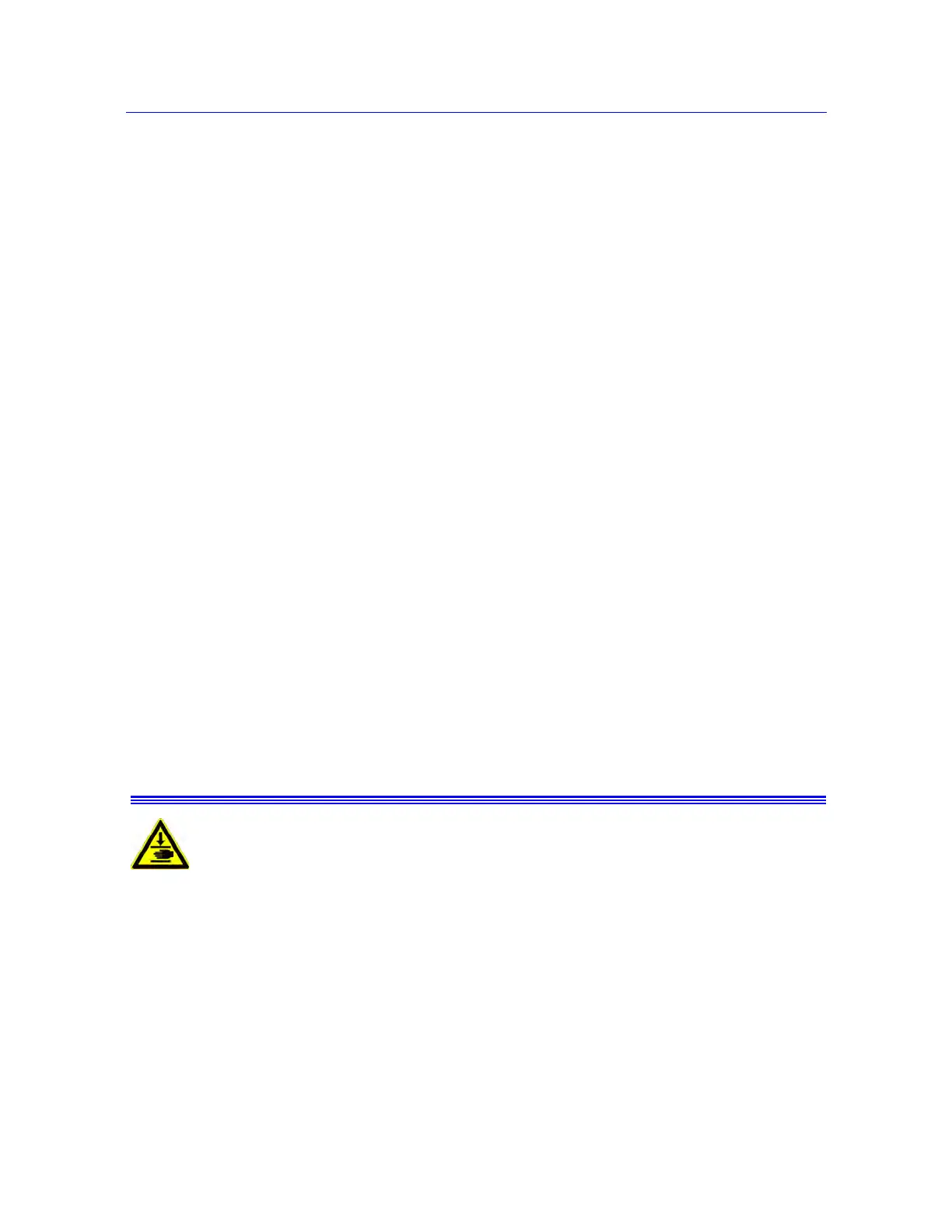
Crush Hazard - Do not place your hands between the moving grips or fixtures
while operating any controls on the control panel.



 To Next Page