Chapter: Preparing the System
2-6 M10-16245-EN
Bluehill Software
Setting test parameters, operating the system, and collecting test data is done through the
software program.
Home Screen
Bluehill software opens at the Home screen. The console section of the software is at the
top of the screen and provides important information about the system. The console is
always visible and always available from any screen within the software.
Buttons on the Home screen take you to other parts of the software, as follows:
Console
The console area of the software provides important information during testing and is also
where you can edit system wide settings.
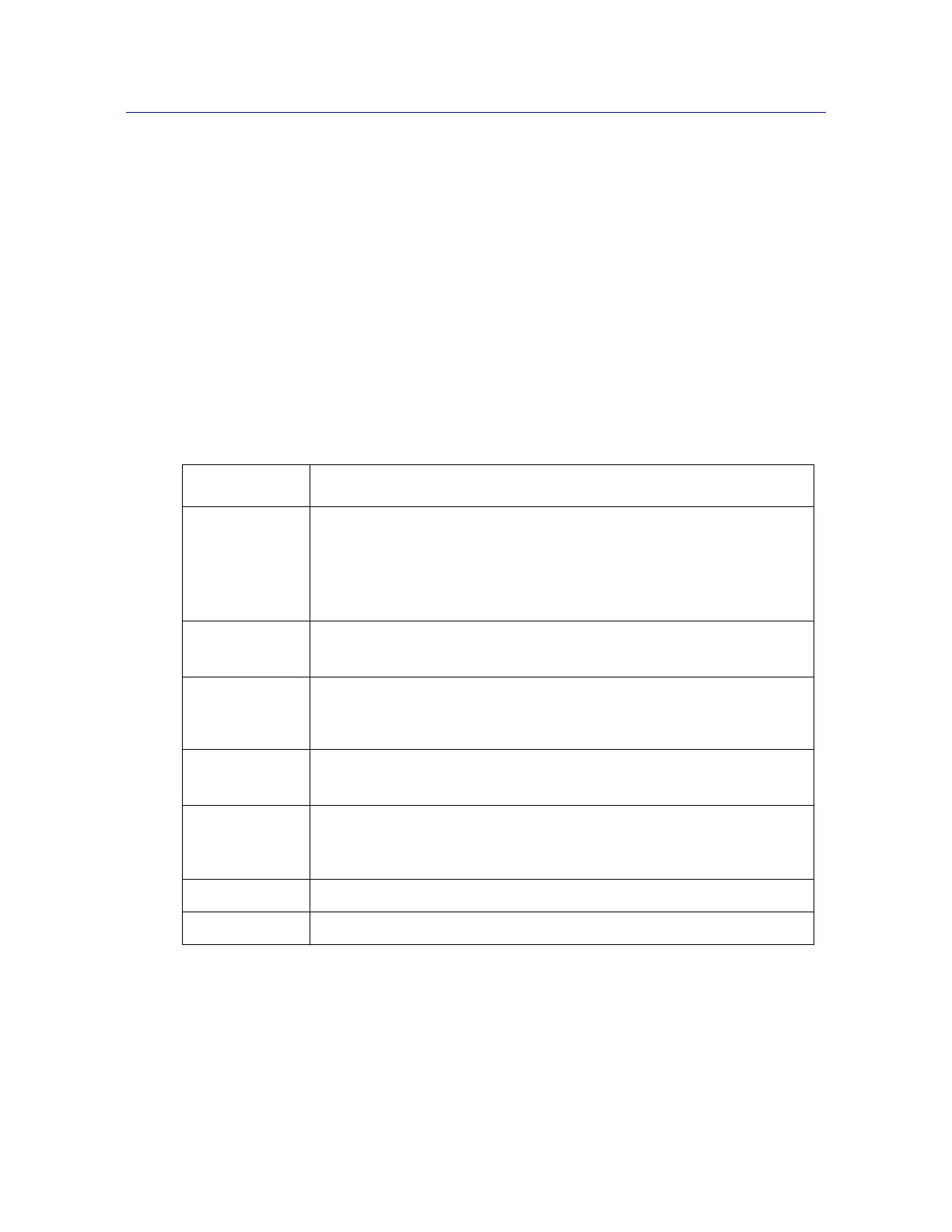
Table 2-2. Buttons on the Home screen
Button Function
Test Click this button to perform tests on specimens. The software displays a
sequence of screens where you:
1. choose a test method from which to load test parameters.
2. name the sample and select a location to store the test data.
3. perform tests.
Method Click this button to edit and save test method files.
Refer to the software online help.
Analysis Click this button to either modify an existing sample or replay a sample with
parameters from a different test method.
Refer to the software online help.
Admin Click this button to change the configuration of the testing system.
Refer to the software online help.
User This button is grayed if Security is not enabled.
Click this button to log out the current user and let a new user log in to the
software. When you log out you do not exit the program.
Help Click this button to open the online help.
Exit Click this button to exit the program.



 To Next Page