D-0120578-C – 2019/11
Eclipse – Instructions for Use - US
Page 107
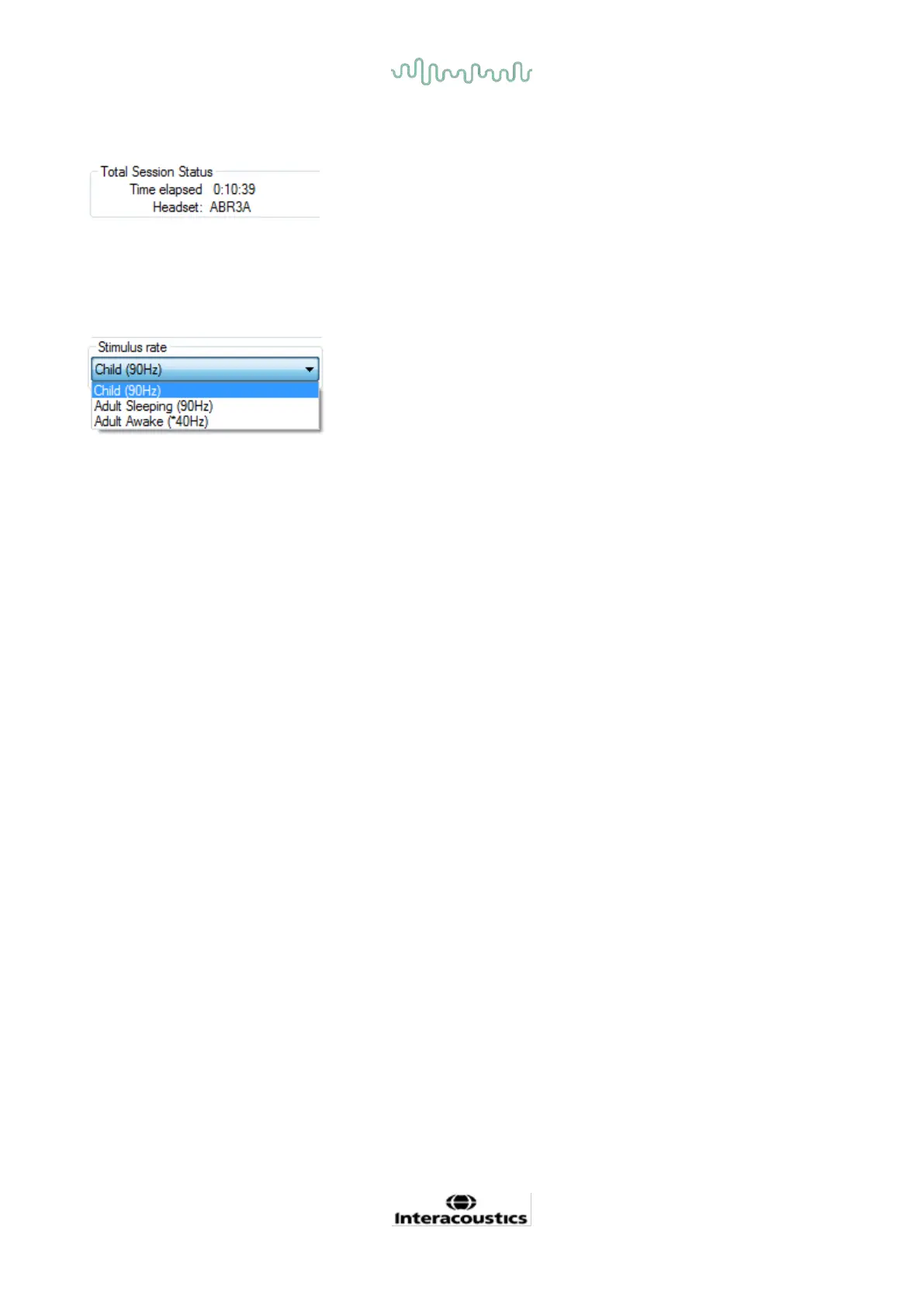
8.7.9 Total session status window
The Total Session Status window indicates the Elapsed Test Time and the Transducer used.
8.7.10 Stimulus rate
Select the appropriate stimulus rate (40Hz or 90Hz) for testing. To change during testing (when the patient
state changes), all test frequencies must have finished or be manually stopped.














 To Next Page