D-0120578-C – 2019/11
Eclipse – Instructions for Use - US
Page 116
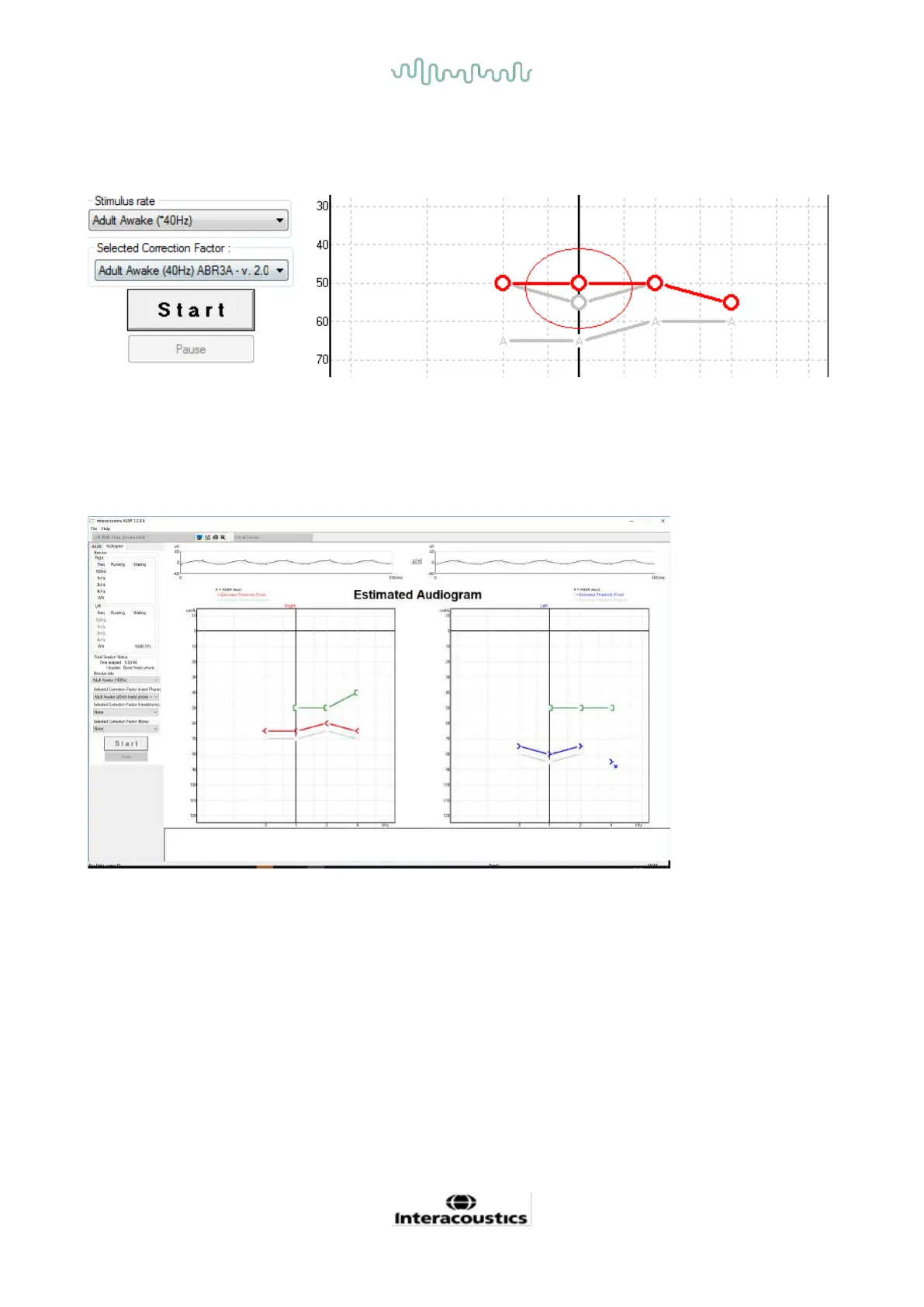
Manually correct the estimated audiogram point by dragging it to the desired position with the mouse. The
initial estimate based on the selected correction factor table (the grey audiometric symbol) is displayed and
saved in the database.
8.9.4 AC and BC in the same audiogram
The ASSR can now show both AC and BC in the same audiogram.
Example: insert phones (unmasked) and BC (masked).
All AC and BC symbols are saved and displayed in both Noah and OtoAccess® Database.














 To Next Page