D-0120578-C – 2019/11
Eclipse – Instructions for Use - US
Page 17
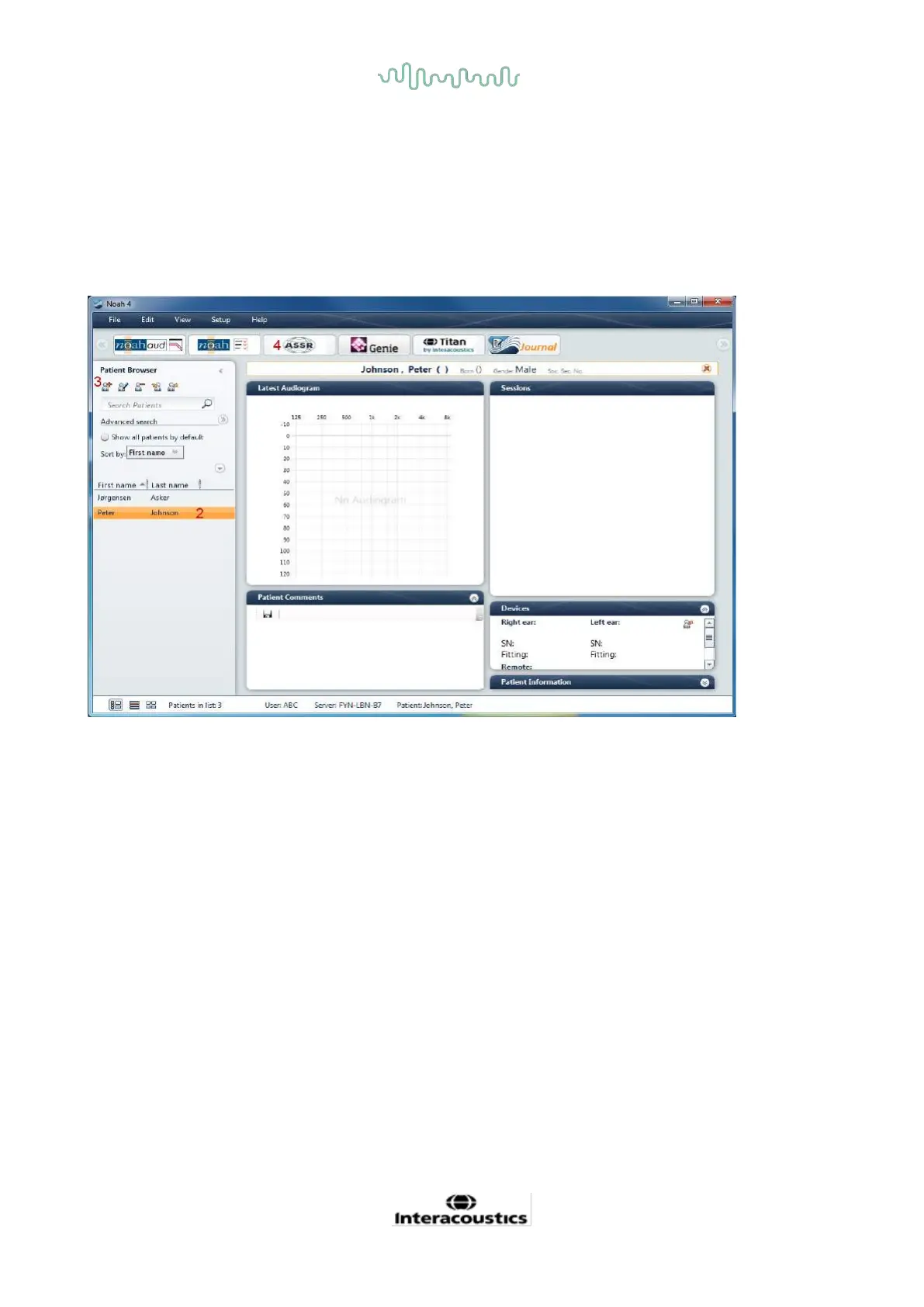
2.8 Starting up from Noah (ASSR or IA OAE suite only)
1. Open Noah
2. Select the patient you want to work with by highlighting it orange
3. If the patient is not yet listed:
- press the Add a New Patient button
- fill in at required fields
- save the patient details by pressing the OK button.
4. Double click on the ASSR or IA OAE module.
For further instructions about working with the Noah database, please see the operation manual for Noah.














 To Next Page