D-0120578-C – 2019/11
Eclipse – Instructions for Use - US
Page 80
7.2.4 Crash report
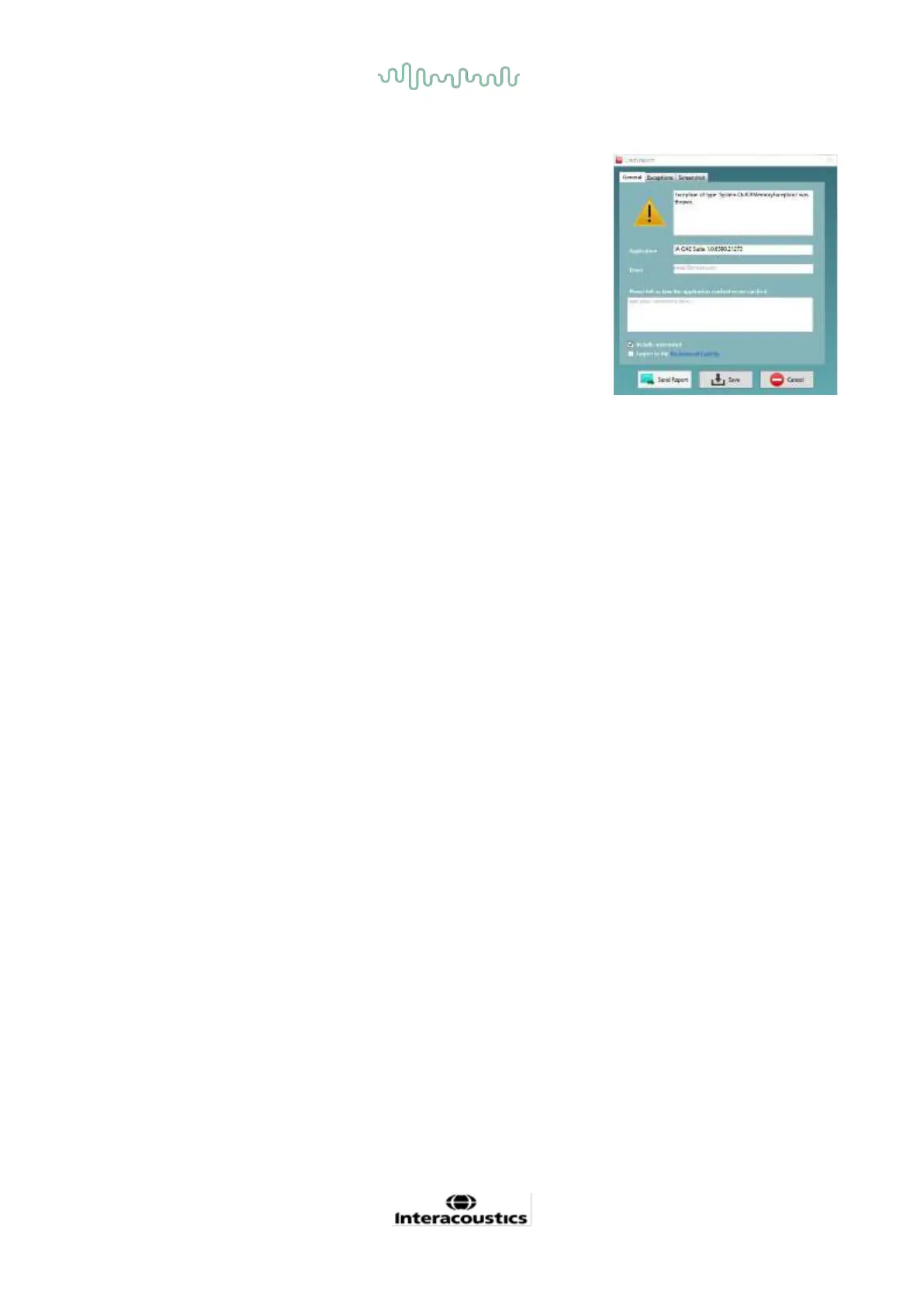
In the event that the IA OAE Suite software crashes and the details can be
logged by the system, the Crash Report window will appear on the test
screen (as shown below). The crash report provides information to
Interacoustics about the error message and extra information can be
added by the user outlining what they were doing before the crash
occurred to assist in fixing the problem. A screen shot of the software can
also be sent.
The “I agree to the Exclusion of Liability” check box must be checked
before the crash report can be sent via the internet. For those users
without an internet connection, the crash report can be saved to an
external drive so it can be sent from another computer with an internet
connection.














 To Next Page