SW500 Wired Scale System
700431
Rev G, December 2021
Page 30
OPERATION
MOTORCYCLE DISPLAY
When using motorcycle scale sets, use the LF (red cable) for the Front tire and the LR
(white cable) for the Rear tire.
When the Motorcycle display format is selected, the following screenshot will be
displayed. The Front Wheel Weight, Rear Wheel Weight, Individual Wheel Weight as
% of Total Weight and Total Weight will be displayed.
SPECIAL DISPLAYS
There are two Special Display formats available for use with the SW RFX Series Scale
System; JAPAN and RF MINUS LF CROSS. The formats can be accessed by
simultaneously pressing the LF key, 2 key and CLEAR key and toggling between the
two display selections.
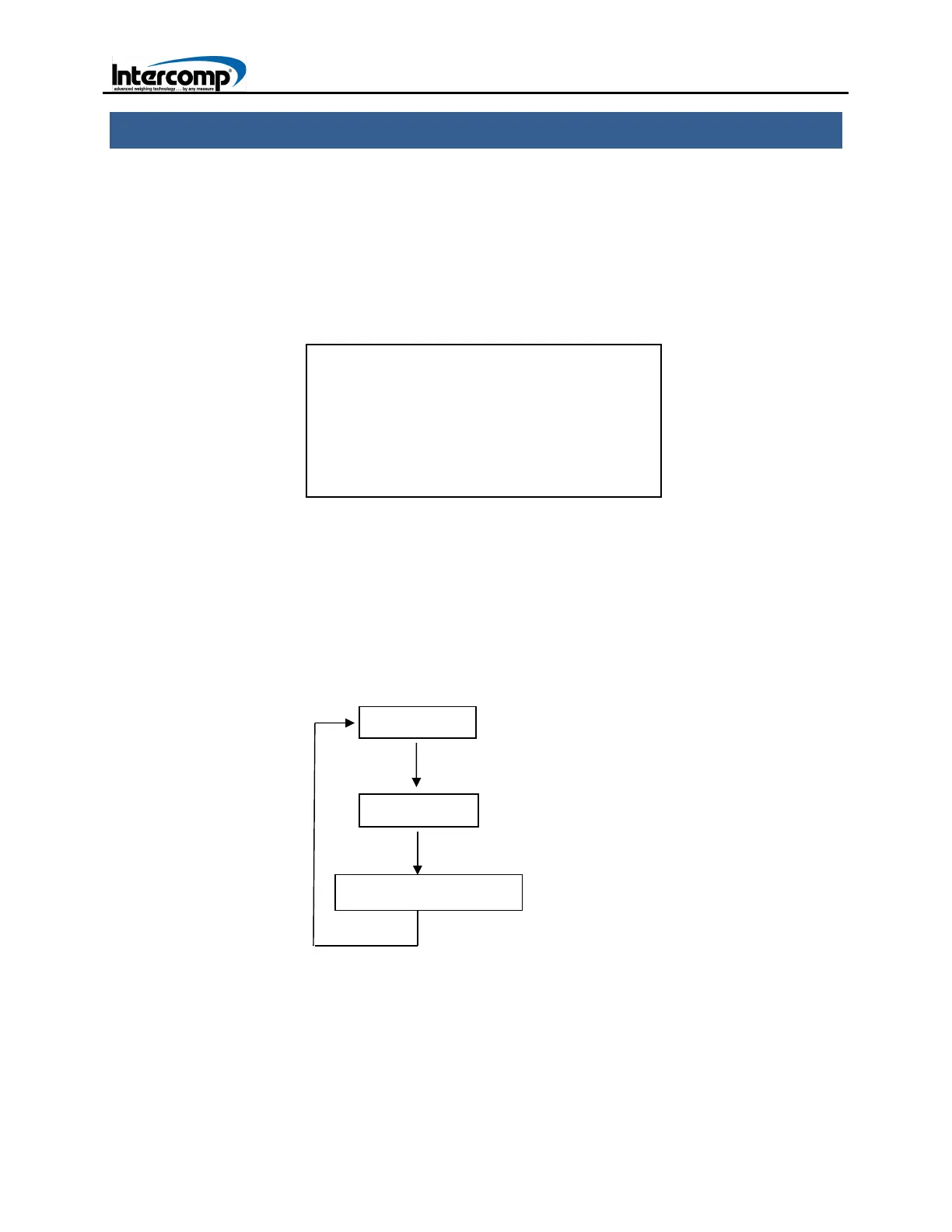
The order in which the display formats are toggled is depicted in the following diagram.
The screen will briefly display the selected Display Format and then return to Normal
weighing mode. Turn the scale off and then turn it back on to view the selected display
format.
FRONT 300 60%
REAR 200 40%
TOTAL 500 lb A
RF Minus LF Cross



 To Next Page