Chapter 2 — Installing the Printer
20 PF8d/PF8t Printers User’s Guide
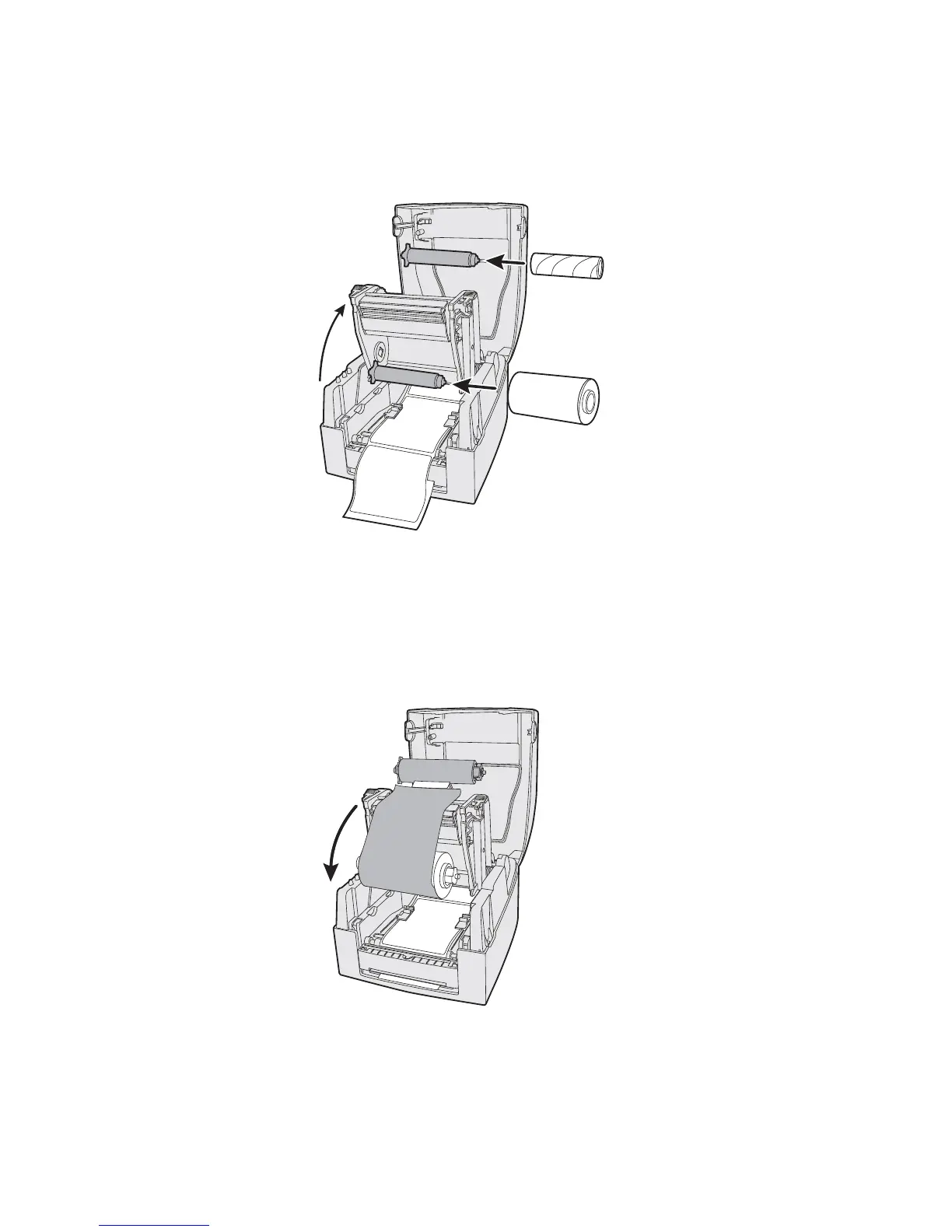
3 Lift the print carriage halfway up while keeping the top cover
fully opened. Insert a new ribbon roll onto the ribbon supply
shaft.
4 Feed the transfer ribbon from the ribbon supply shaft under
the printhead.
5 Wrap the ribbon around the ribbon shaft. Using the tape
fitted at the front of the ribbon leader, attach the leader to the
top of the rewind core. Be careful to center align the ribbon
leader with the core.
6 Close the print carriage by pressing firmly down on both
sides. A loud click indicates the print carriage locked into
place.















 To Next Page