39
7.3.6 Selecting a Driving Mode
"Driving Mode" means more than just "how fast". The Driving
Mode encompasses:
• Acceleration
• Forward speed
• Backward speed
• Cornering speed
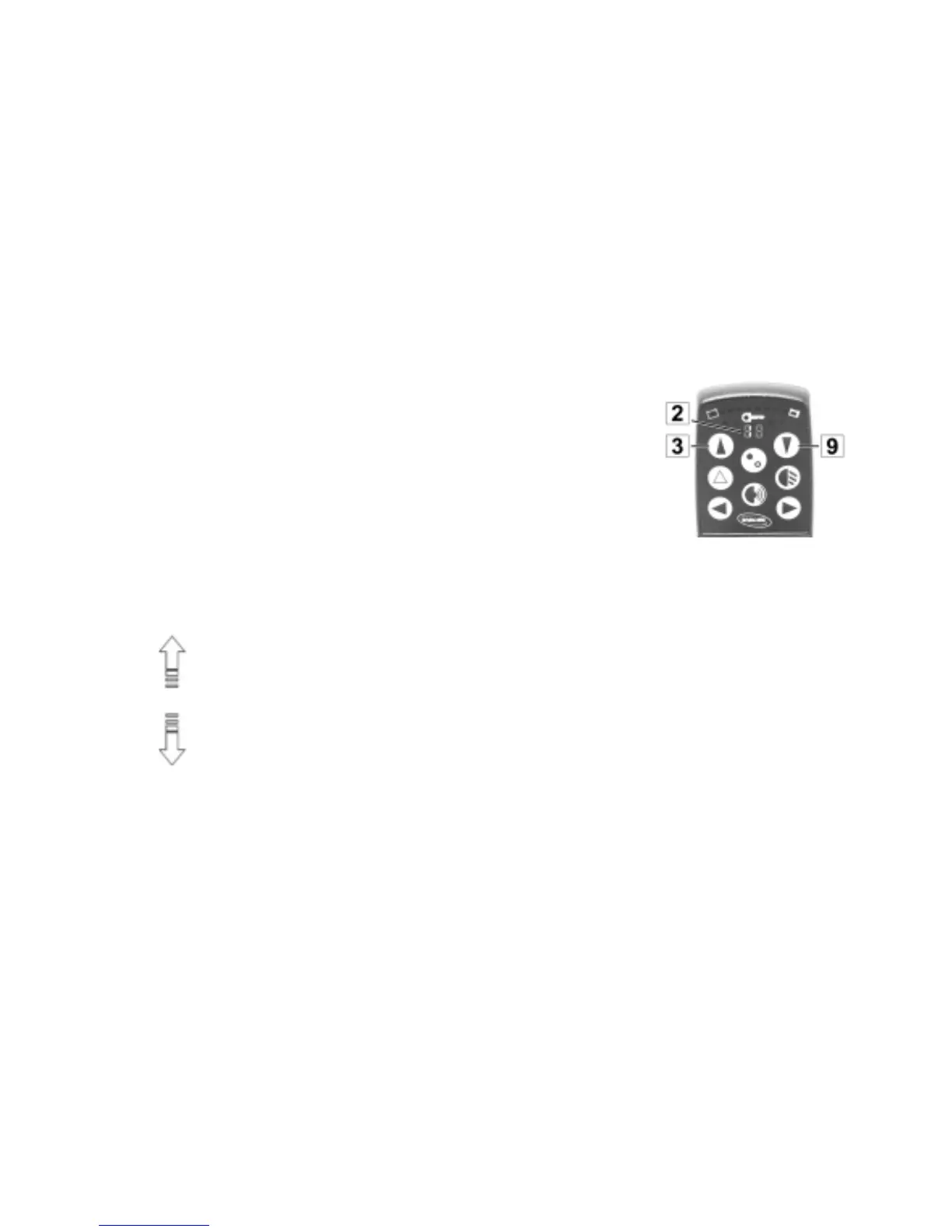
The Multi-Purpose Display (2) indicates which mode the wheelchair
is currently in.
Different Driving Modes can be selected using the buttons (3 + 9) to
the right and left of the display.
Driving Mode Buttons
The Driving Mode has 5 levels:
Level 1 = very slow driving characteristics, reduced end-velocity
to
Level 5 = dynamic driving characteristics, highest end-velocity




 To Next Page