46
7.4.3 Select the option that needs to be adjusted
Select:
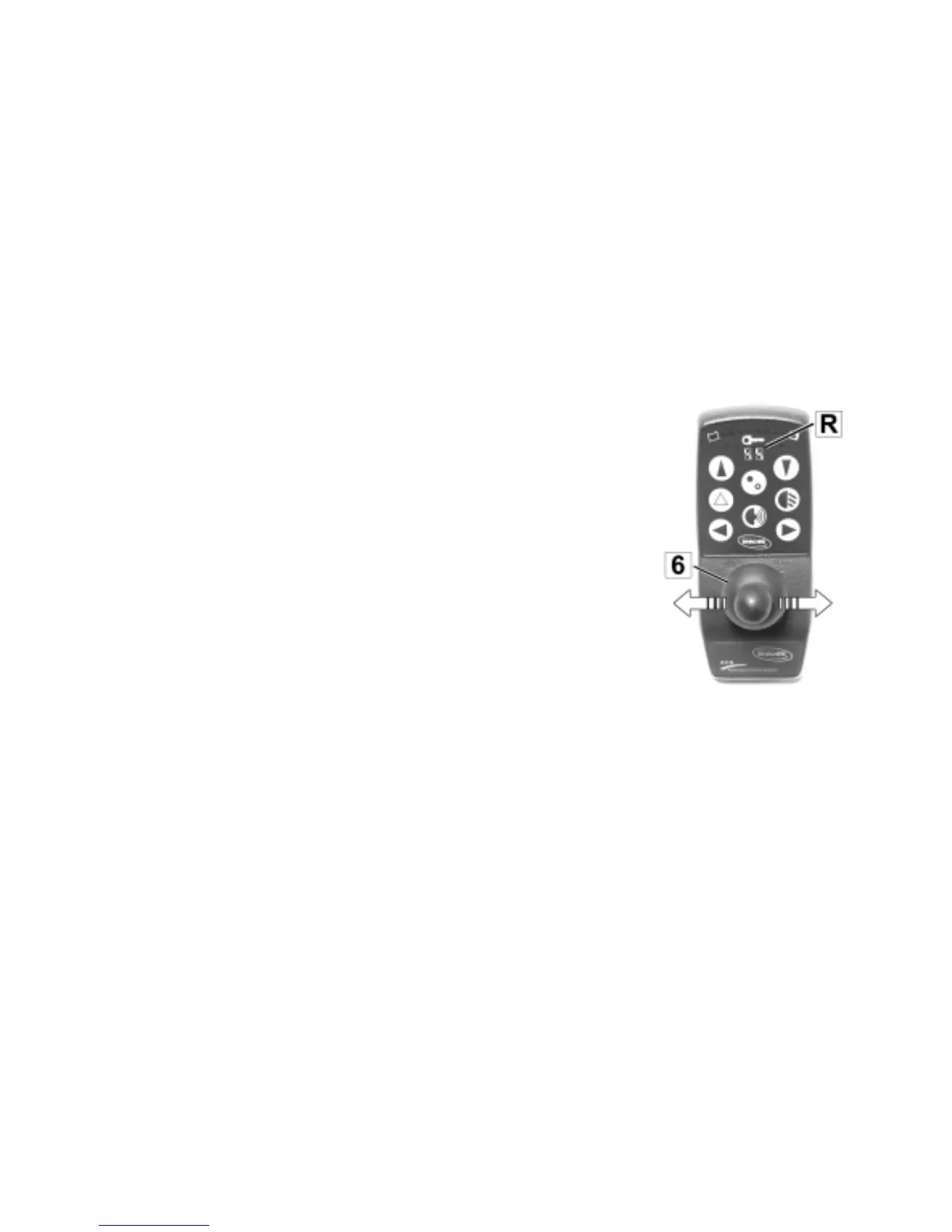
• Push Joystick (6) once to the right or left. The flashing bar (✴) in
the symbol on the right display (R) shows which option can be
adjusted.
By pushing the Joystick once again in the same direction, the next
symbol can be selected. Repeat the procedure until the symbol of
the option that you would like to adjust appears on the display.
Select option that needs
be adjusted







 To Next Page