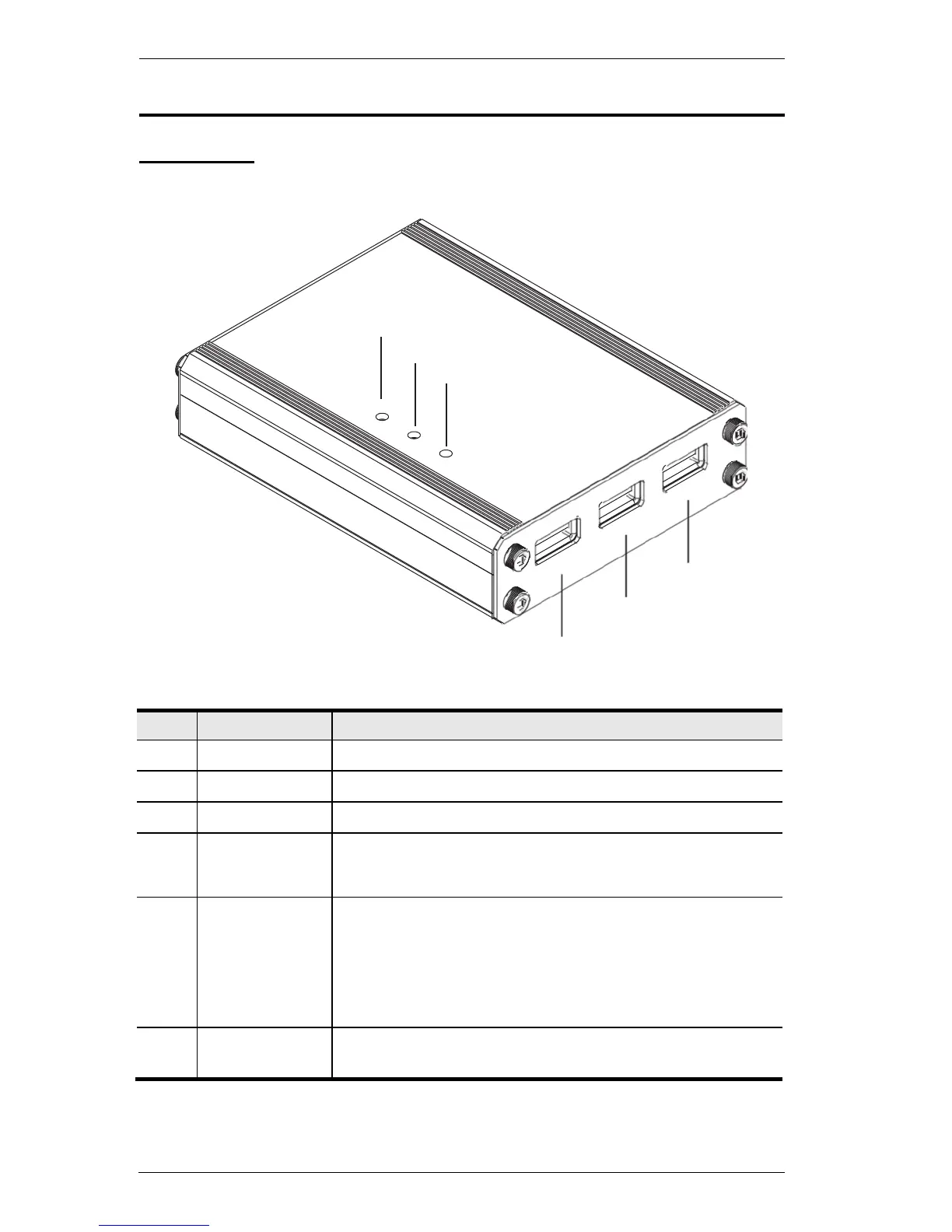
Components
Front View
4
5
6
3
2
1
Plug the PS/Xbox game controller into this port.
Plug a USB keyboard into this port.
Plug a USB mouse into this port.
Lights Orange when Turbo Mode is on.
Flashes Orange when Keyboard Mode is on.
Lights Blue to indicate the KeyMander software is
connected to the KeyMander.
Flashes (fast) Blue when uploading a profile from a
computer to the KeyMander.
Flashes (slow) Blue when Direct Mapping mode is on.
Lights Blue when the Game Port or Power Port is connected
to a power source indicating the unit is on.



 To Next Page