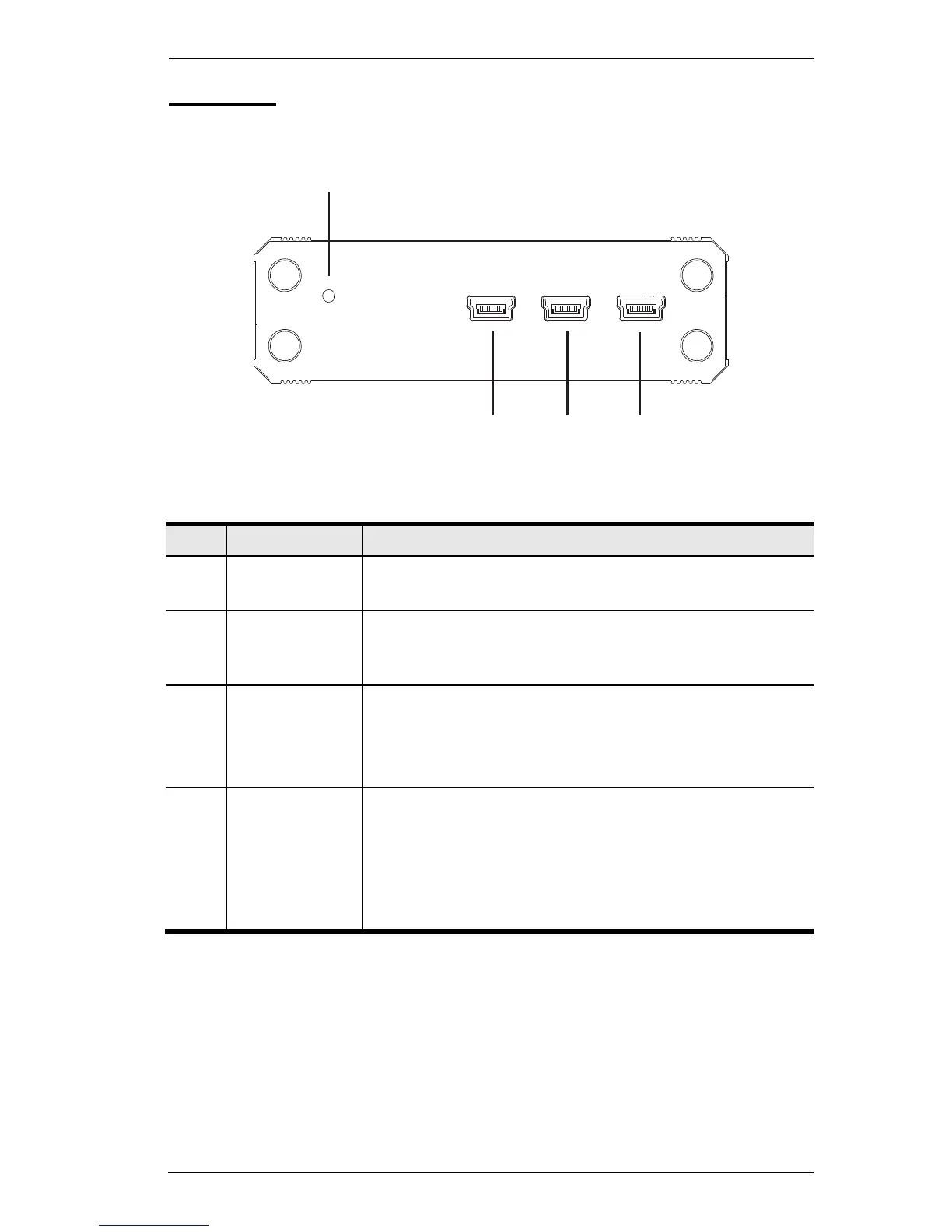
This switch resets the device. While connected to a power
source, press and release to reset the KeyMander.
The Game Port is used to connect the KeyMander to a PS
or Xbox game console. This port also provides power to
the unit when connected to a game console.
Use the PC port to connect the KeyMander to a computer.
This connection is used to configure the KeyMander with
the KeyMander software, or connecting a laptop for game
play.
Note: The PC Port does not power the unit.
This port provides power to the unit. You must use this port
for power when connected to a computer; or if you are using
an advanced keyboard that requires additional power during
gameplay.
Use a mini USB to USB cable to connect this port to a 5V
power source.



 To Next Page