Profiles & Groups
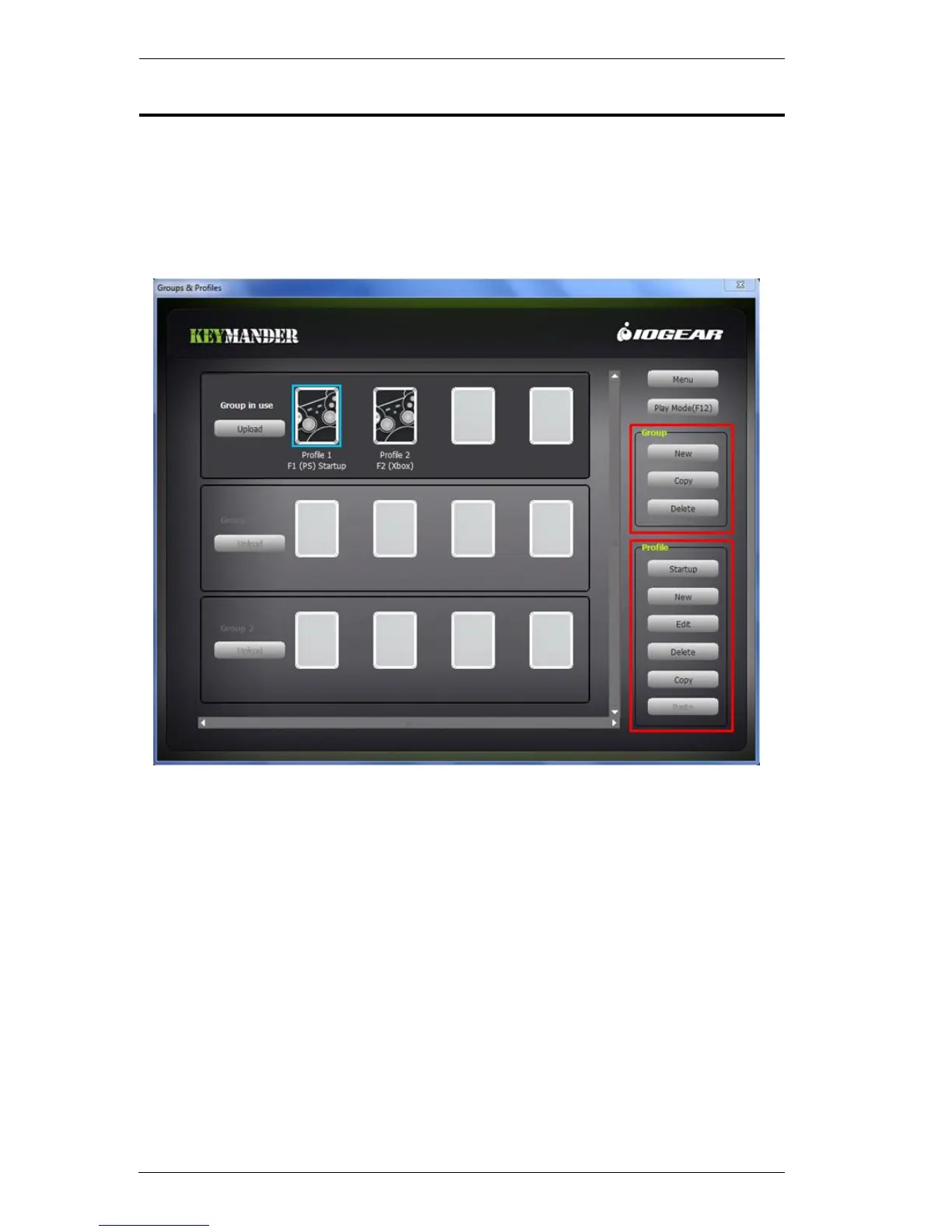
The main page of the KeyMander software is used to create Profiles and
Groups. A Profile is a unique keyboard/mouse configuration that is created
and saved in a Group. Each Profile has custom settings for your keyboard and
mouse. A Group (of profiles) is uploaded to the Group in Use - one at a time.
Group in Use profiles can be selected for use during gameplay.
The following sections explain how to create Groups and Profiles, how to
upload a Group to the Group in Use, and how to select a Profile for use. To
configure the keyboard and mouse settings, see Customizing Controls,
page 30.



 To Next Page