Customizing Controls
This section explains how to configure the keyboard and mouse controls of a
profile with the KeyMander Editor. To get to the KeyMander Editor screen-
create a new Profile, or double click a Profile from the main screen.
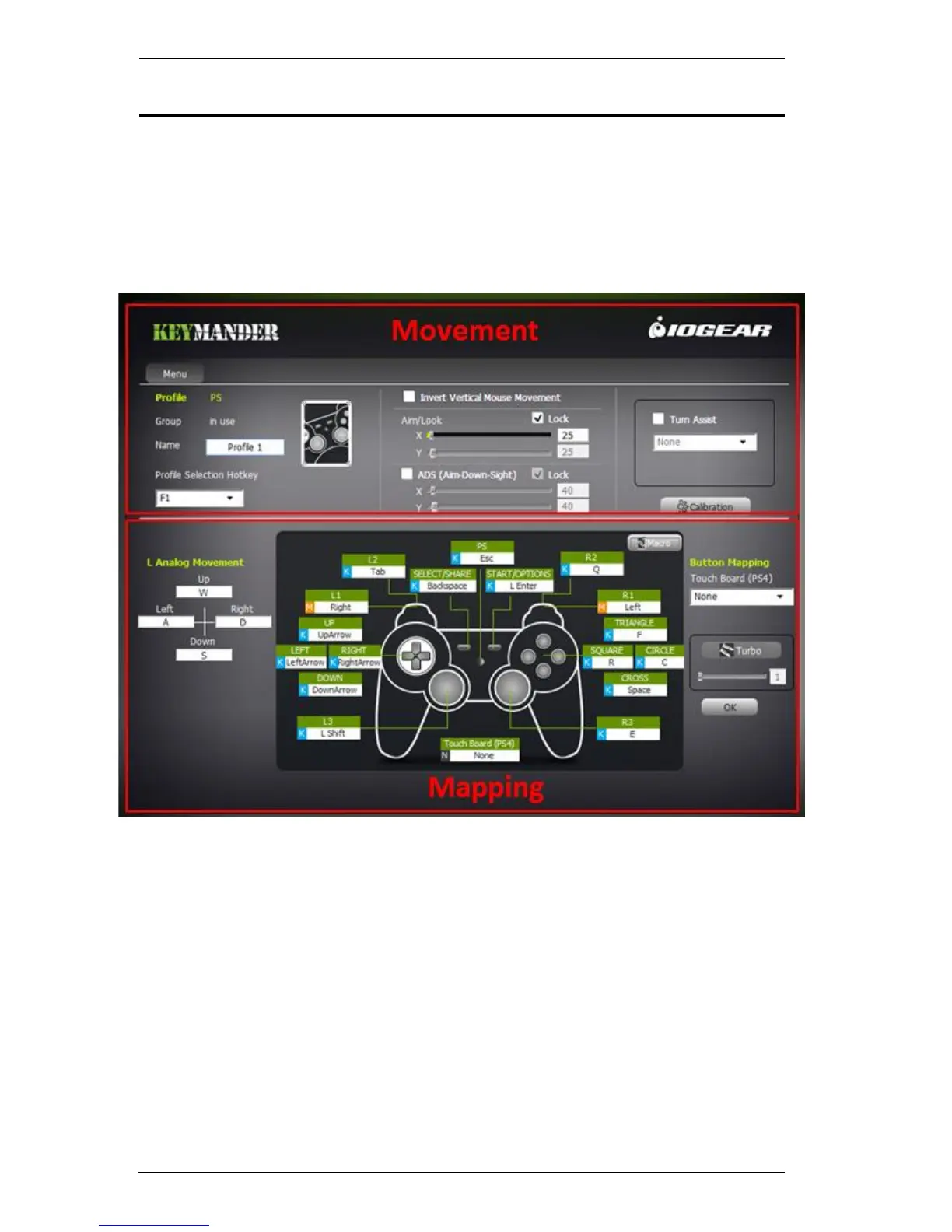
The instructions are split into the Movement and Mapping Sections of the
KeyMander Editor, as shown below:
The Movement section is for profile and mouse settings. The Mapping
section is for controller to keyboard/mouse mappings, turbo settings, and
macro setup.



 To Next Page