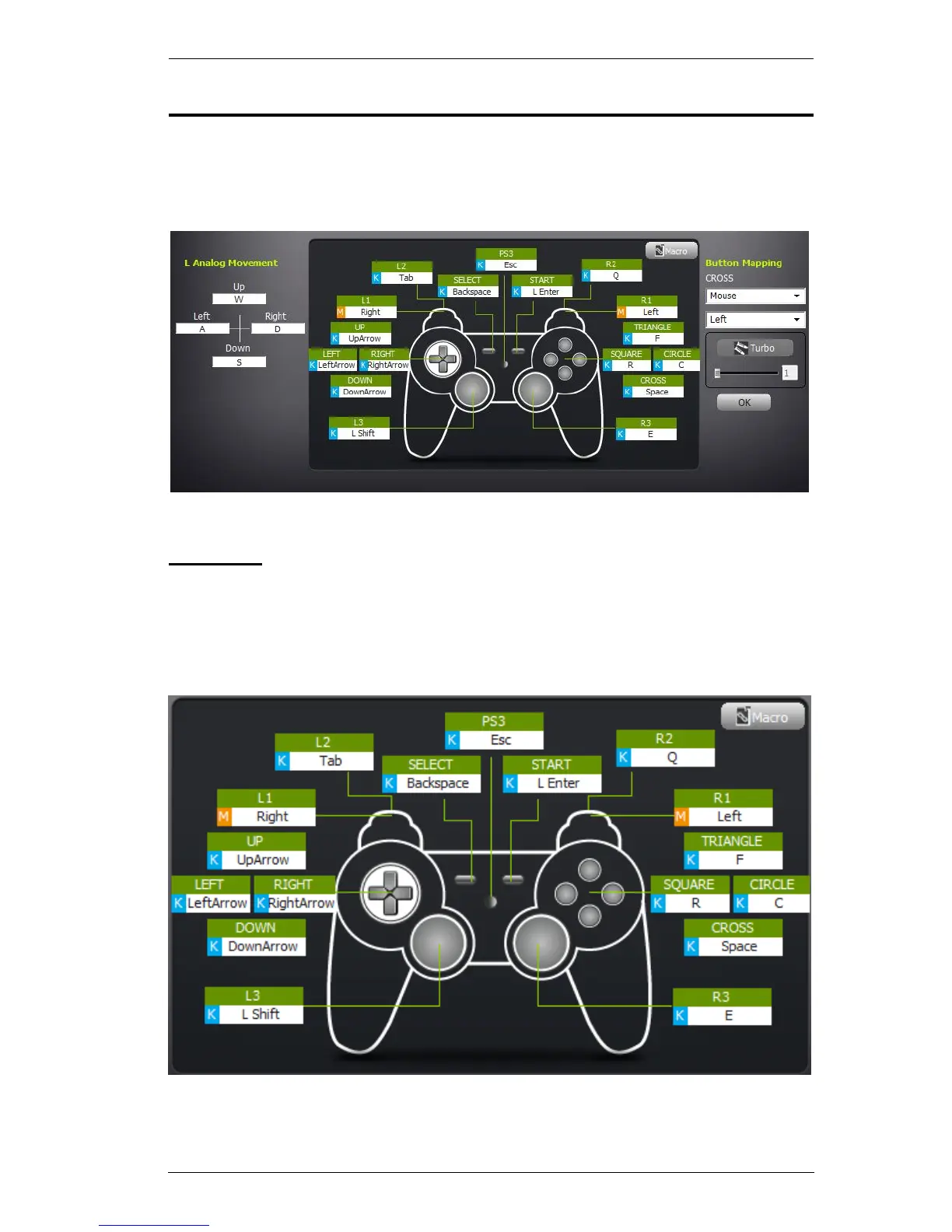
Mapping Section
The Mapping section of the KeyMander Editor screen is used for Mapping
the PS/Xbox controller buttons to the keyboard, setting Turbo, and creating
Macros.
Mapping
Each PS/Xbox controller button can be mapped to a keyboard, mouse, or
joystick. Each controller button has a box: Green displays the controller
button, White displays the key mapping, and Light Blue K, M, or J displays
the device it’s mapped to: Keyboard , Mouse, or Joystick.
Quick Map: Click a button’s box, press a key on the keyboard, and click OK
to map that controller button to a key on your keyboard. Mapping instructions
are provided on the next page.



 To Next Page