Connecting the KeyMander Software
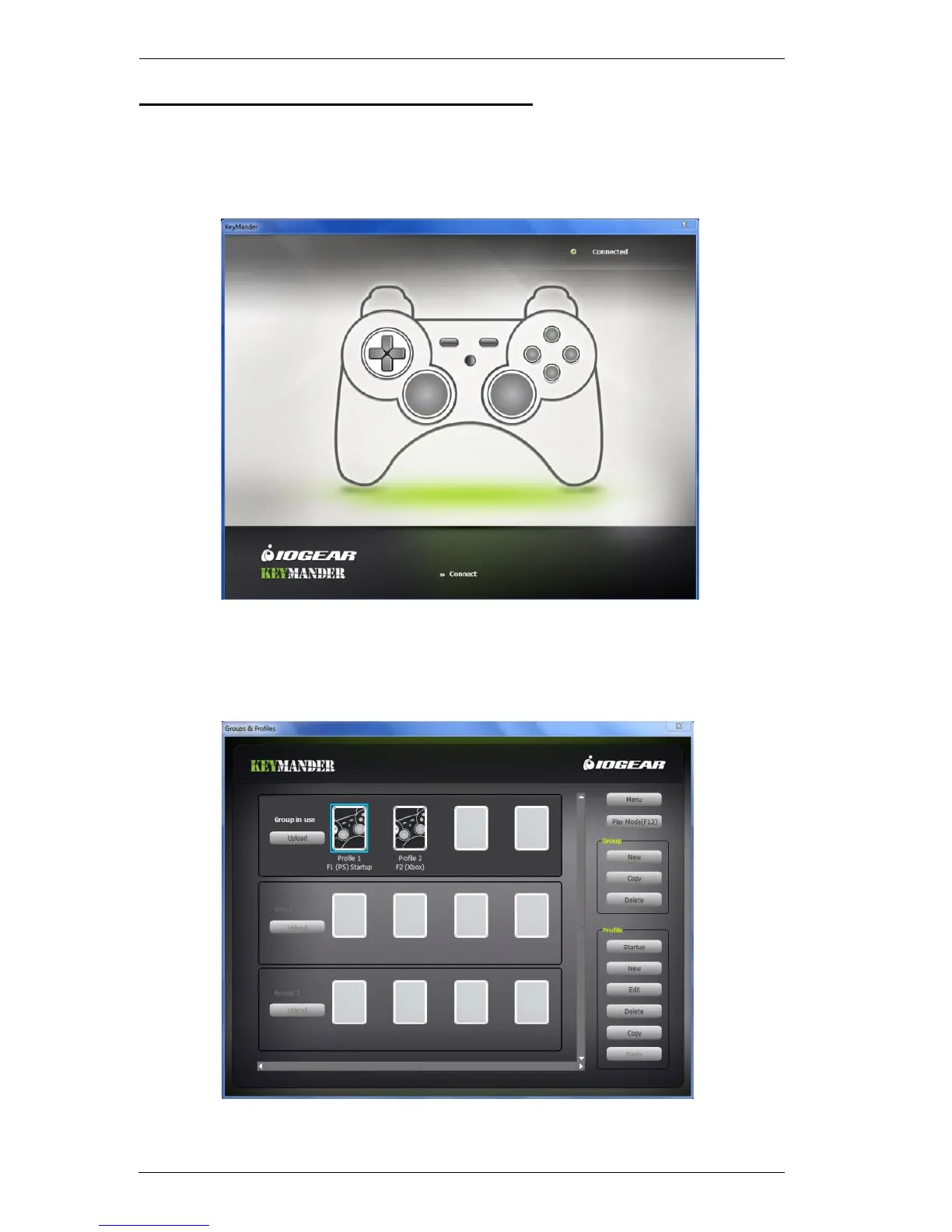
To connect the KeyMander to the KeyMander Software:
1. Connect the KeyMander to the computer and open the KeyMander
software:
2. Connected should appear at the top right corner. If Disconnected appears
see steps 6~7 of Connecting Hardware, page 6.
3. Click Connect and the main page appears:



 To Next Page