Creating Groups
Groups
are used to store
Profiles
.
Groups are named Group 1, Group 2, Group
3, etc. by default. You can create up to 31 groups.
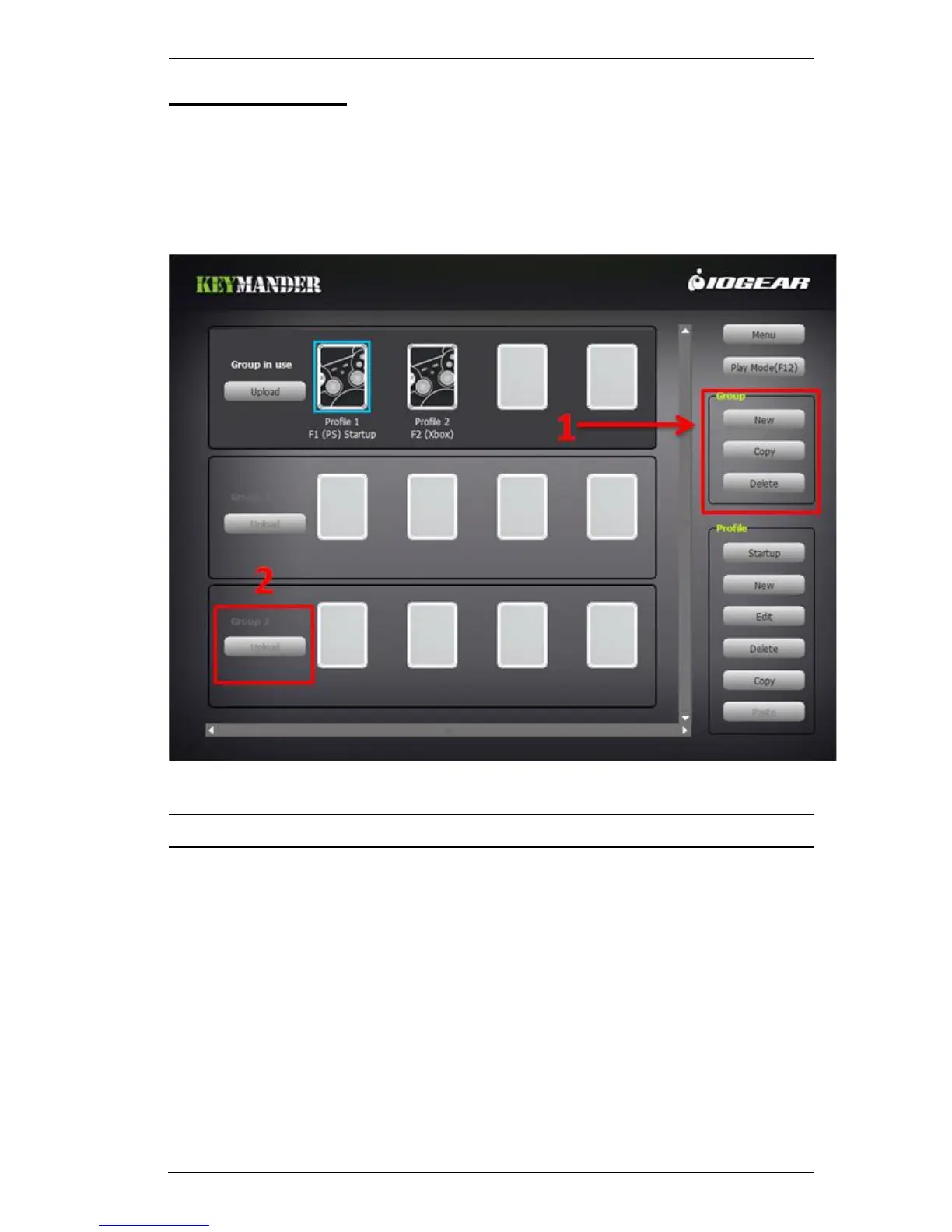
To create a Group:
1. Click New under the Group menu, as shown here:
2. A new Group appears on the left, as shown above.
Note: Select a Group and click Copy to create a duplicate of any Group.



 To Next Page