Curve
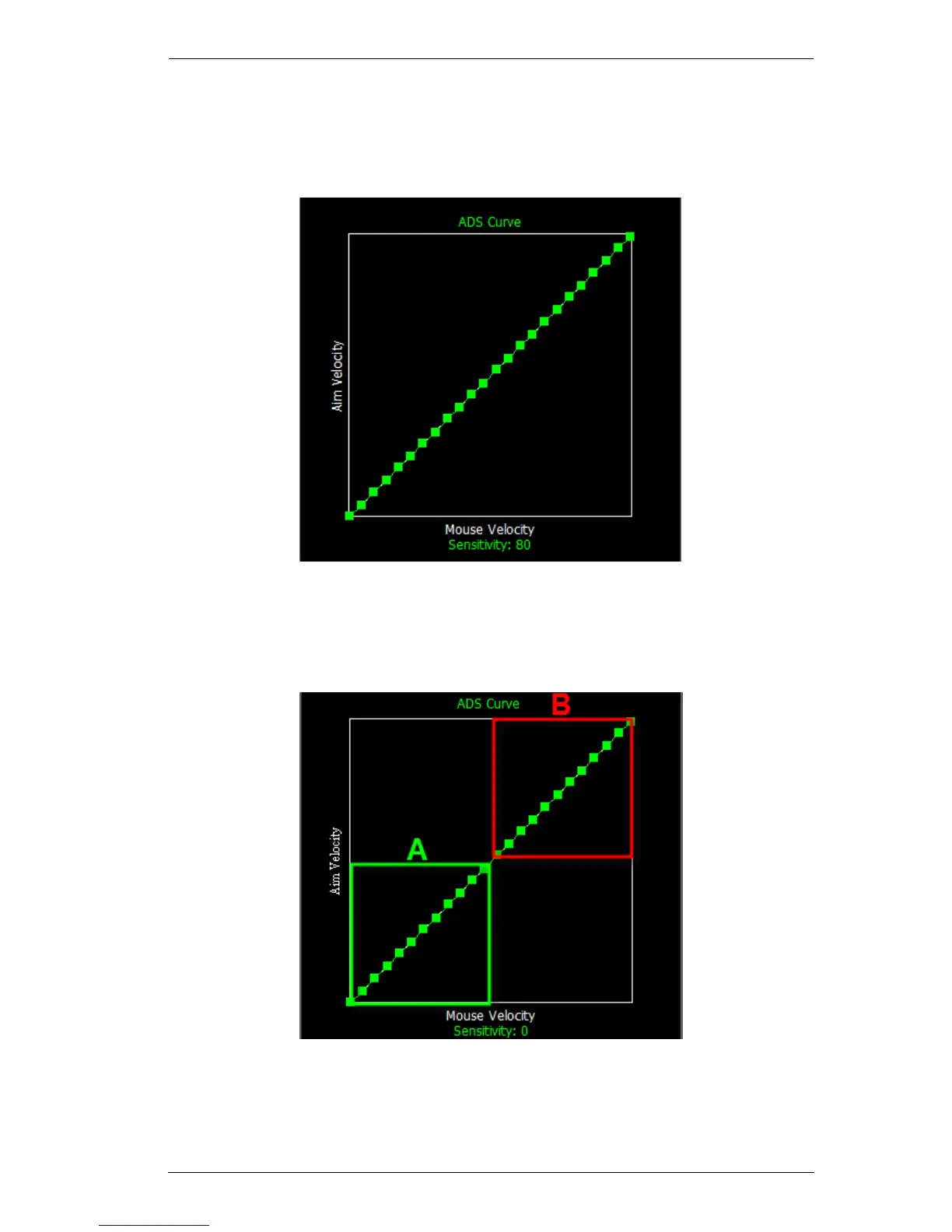
The Curve shows the relationship between Mouse Velocity (physical mouse
speed) and Aim Velocity (on-screen speed). When the physical mouse and on-
screen speed are the same, the curve looks like this:
Mouse Velocity increases from left to right and Aim Velocity bottom to top.
A perfect diagonal line means the mouse and on-screen speeds match. As you
adjust the curve up and down, the relationship between physical mouse speed
and on-screen speed changes. Two sections represent different movements:
A: Close Aiming Movement B: Turning - Long Movement
Pulling the Curve up makes the on-screen movements faster, pulling the Curve
down restricts the speed of A or B - as the physical mouse is moved.



 To Next Page