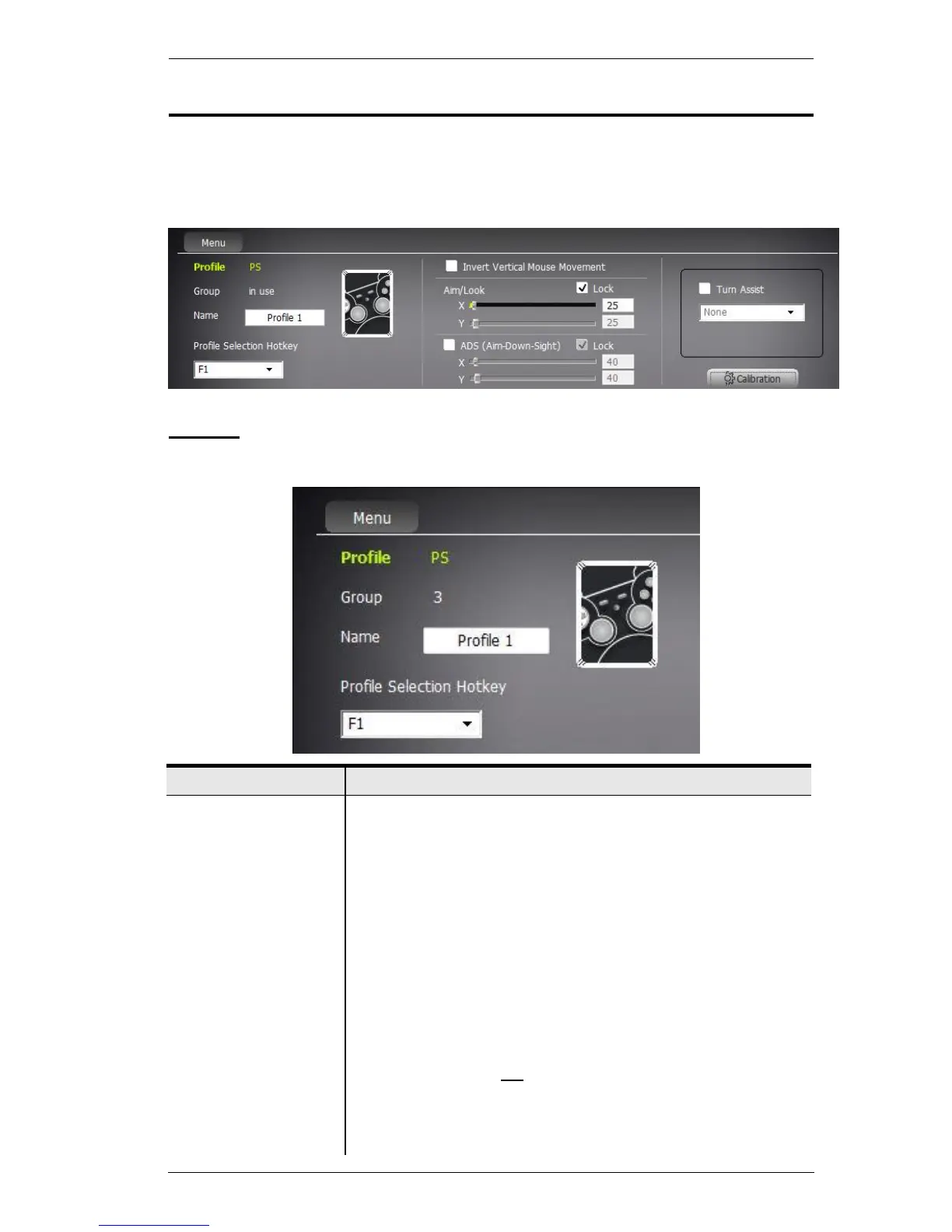
Movement Section
The Movement section of the KeyMander Editor screen has 4 sections:
Profile, Mouse Movement, Turn Assist, and Calibration, all discussed
below.
Profile
The Profile section allows you to view and change details of the Profile.
Click Menu to display the options:
New Profile: Creates a new Profile.
Save Profile: Saves changes made to this Profile.
Save As Another Profile: Saves changes when a new
Profile name is typed in the Name box.
System Setting:
Keyboard Mapping:
Select the keyboard type you’re
using (Default: US 104-Key).
Menu Language:
Select the language you would like to
use for the software interface.
Beeper: Select On
to sound a beep when a change is
successful or unsuccessful.
About: Displays Software Version, Firmware Version, and
Copyright of the KeyMander.



 To Next Page