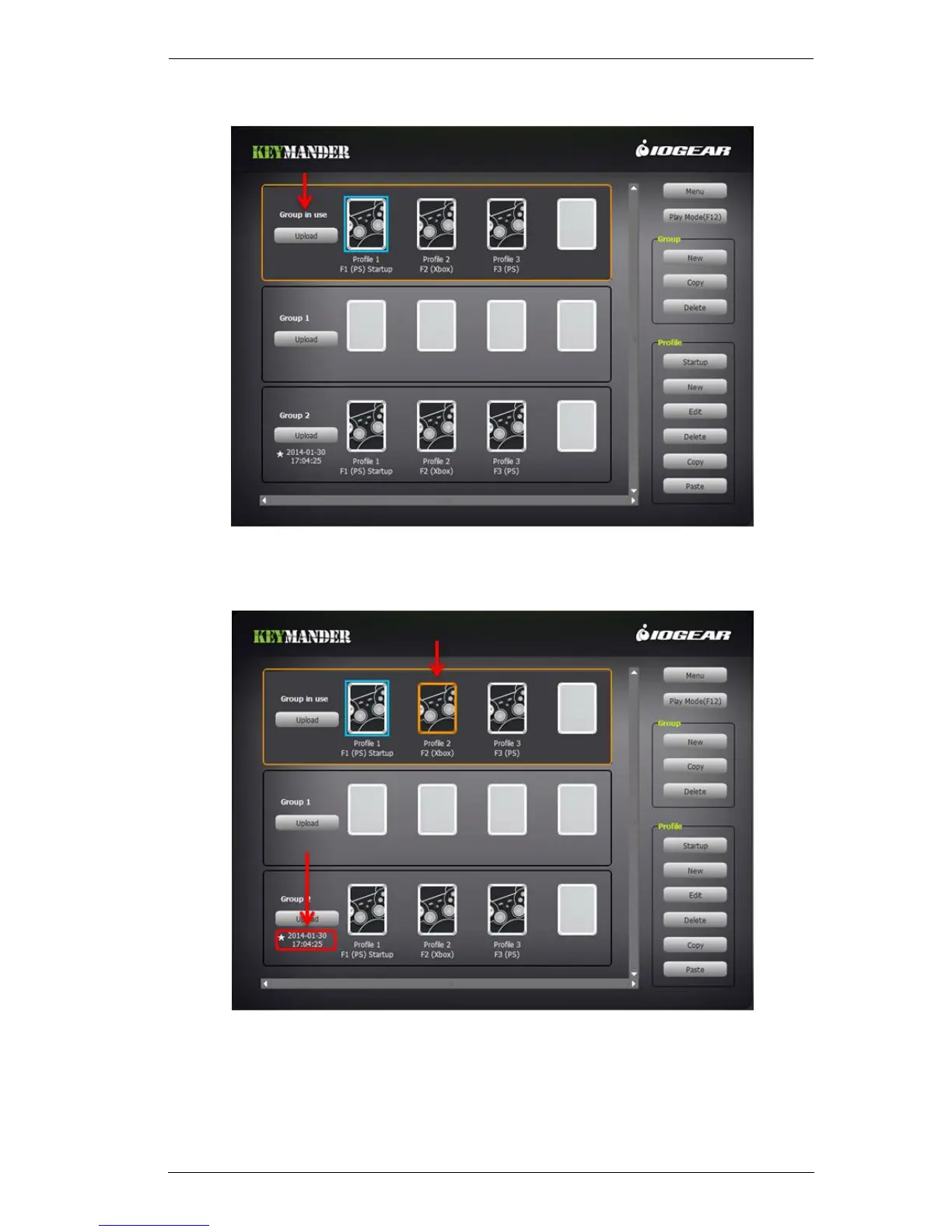
3. The uploaded Group appears in the Group in Use, as shown here:
The Blue box indicates the Startup Profile for the Group.
4. Click to select a Profile to use:
An Orange box around a Profile means it’s selected for use.
5. After a Group has been successfully uploaded, a time stamp will appear
under the Upload button, as shown above. A Star denotes the most recent
group that has been uploaded to the KeyMander.



 To Next Page