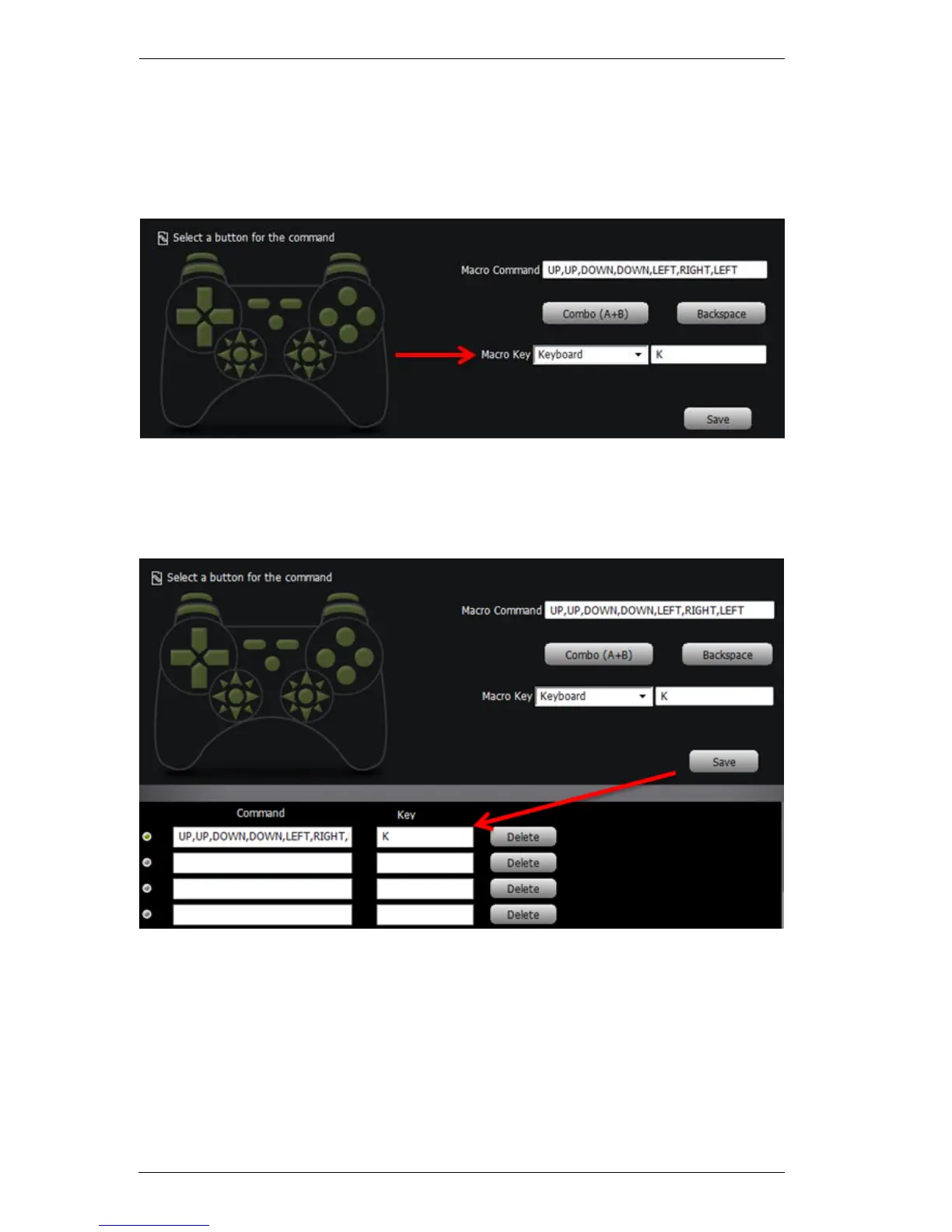
4. Single button and button combos can be added in any order with a
maximum of 16 commands.
5. From the Macro Key drop-down menu, select Keyboard, Mouse, or
Joystick:
6. Press a key or select a button from second Macro Key box to use to
execute the macro command.
7. Click Save. The macro appears in the Command list:



 To Next Page