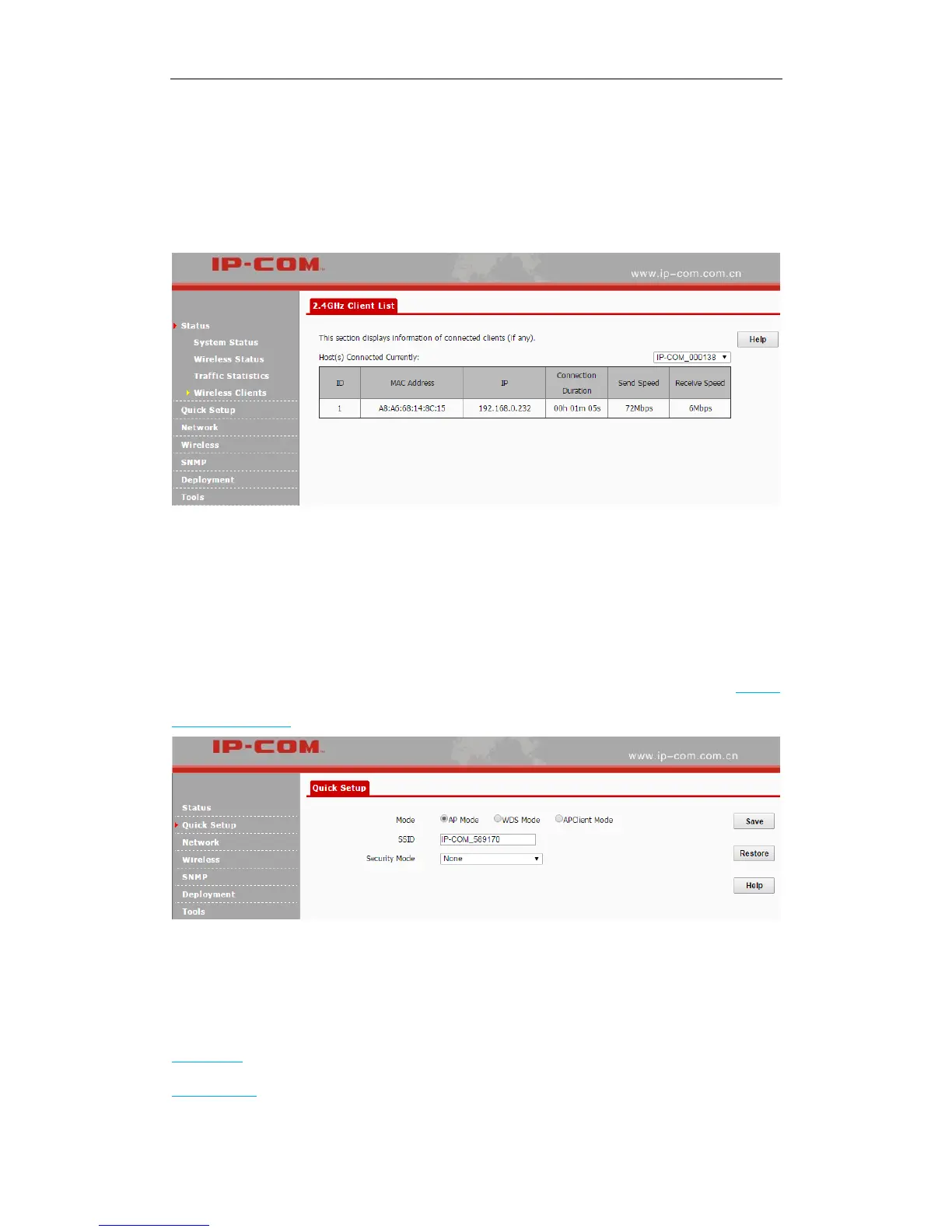
Wireless Clients
This page displays information, like MAC address, IP, connection duration and link speed of
connected clients. Click Status > Wireless Clients to enter page below:
Quick Setup
This section mainly walks you through operating modes of the AP. Click Quick Setup to enter
page below and you can select the proper operating mode in terms of your network environment.
For specific configuration steps and application scenarios of different operating modes, see Step 4:
Configure Your AP.
Network
Two parts are included for this section:
LAN Setup: Display the AP’s MAC address and configure its device name and IP info.
DHCP Server: Include DHCP server and DHCP client list.



 To Next Page