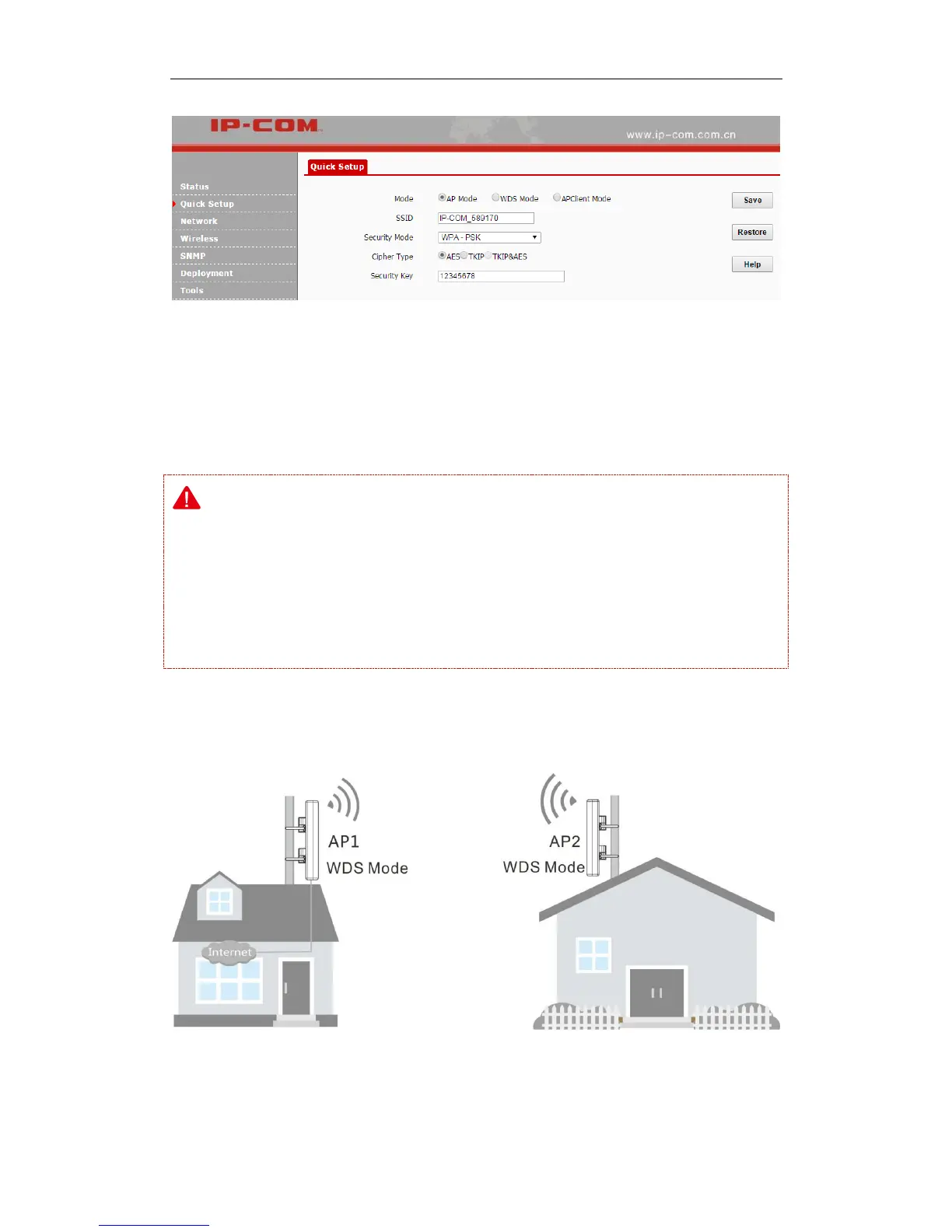
WDS Mode
In this mode, the AP is used for building a wireless distribution system for WiFi coverage and
WiFi extension.
Note:
In the WDS mode, both the AP and the remote device should support WDS feature.
As for IP addresses, they should not be the same but on the same network segment.
This AP’s and the remote device’s SSIDs, channels, security modes and security keys should
be kept the same.
One-to-one WDS
Application Scenario:



 To Next Page