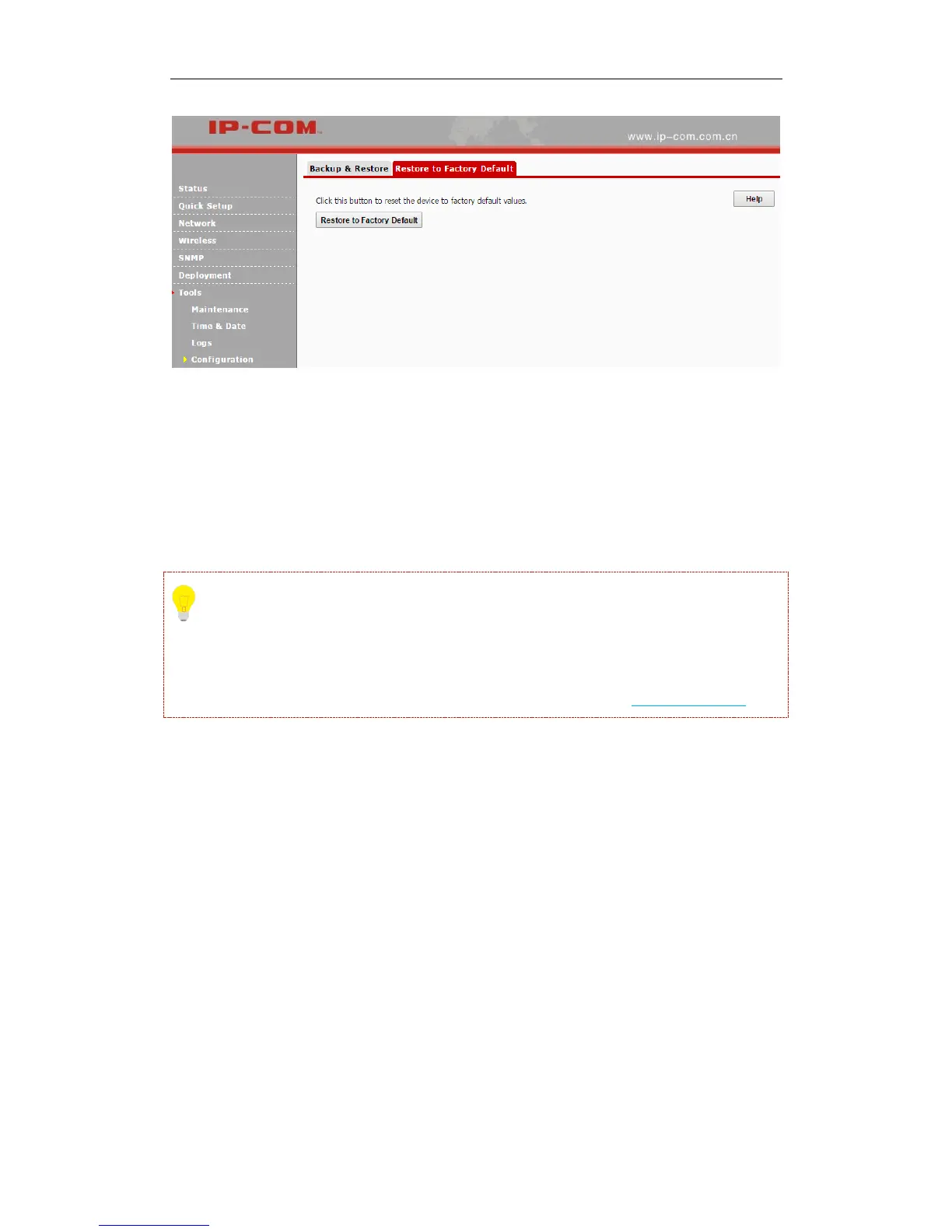
If you forgot the login info of the AP, like login IP address or login username, you can use the
RESET button to reset your AP.
❶ When the AP is powered on, press and hold the RESET button with something like a needle
for at least 7 seconds to reset your AP.
❷ Wait until the AP restarts.
Tip
After resetting your AP, the login IP address of the AP is 192.168.0.254, and the login username
and password are admin for both. For other default settings, see Appendix 2 Factory Defaults.
User Name & Password
Click Tools > User Name & Password to enter page below. Here you can change the user name
and password for web login. We suggest that you change this password to a more secure one.



 To Next Page