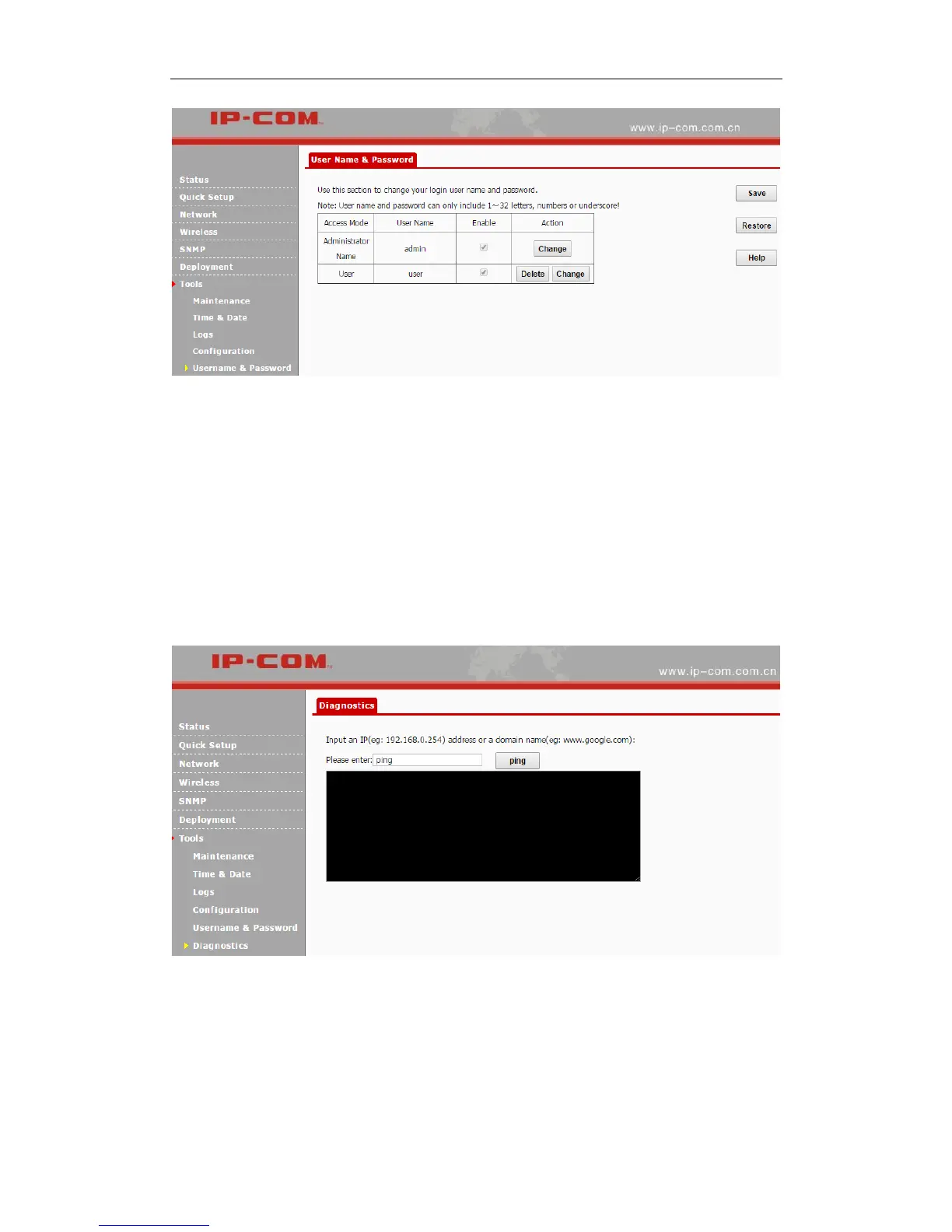
By default, two accounts are supported: administrator and user. The administrator can manage
your AP, while the user can only view the AP’s relevant information. Both the user name and
password for the administrator are admin. Both the user name and password for the user are user.
Diagnostics
This page allows you to test your network connection. If your network is malfunctioning, click
Tools > Diagnostics to use the ping utility to test your network and find out where the problem is.
Reboot
When some settings you have configured cannot be activated or your device is functioning
improperly, please reboot your device. The following two parts are included:



 To Next Page