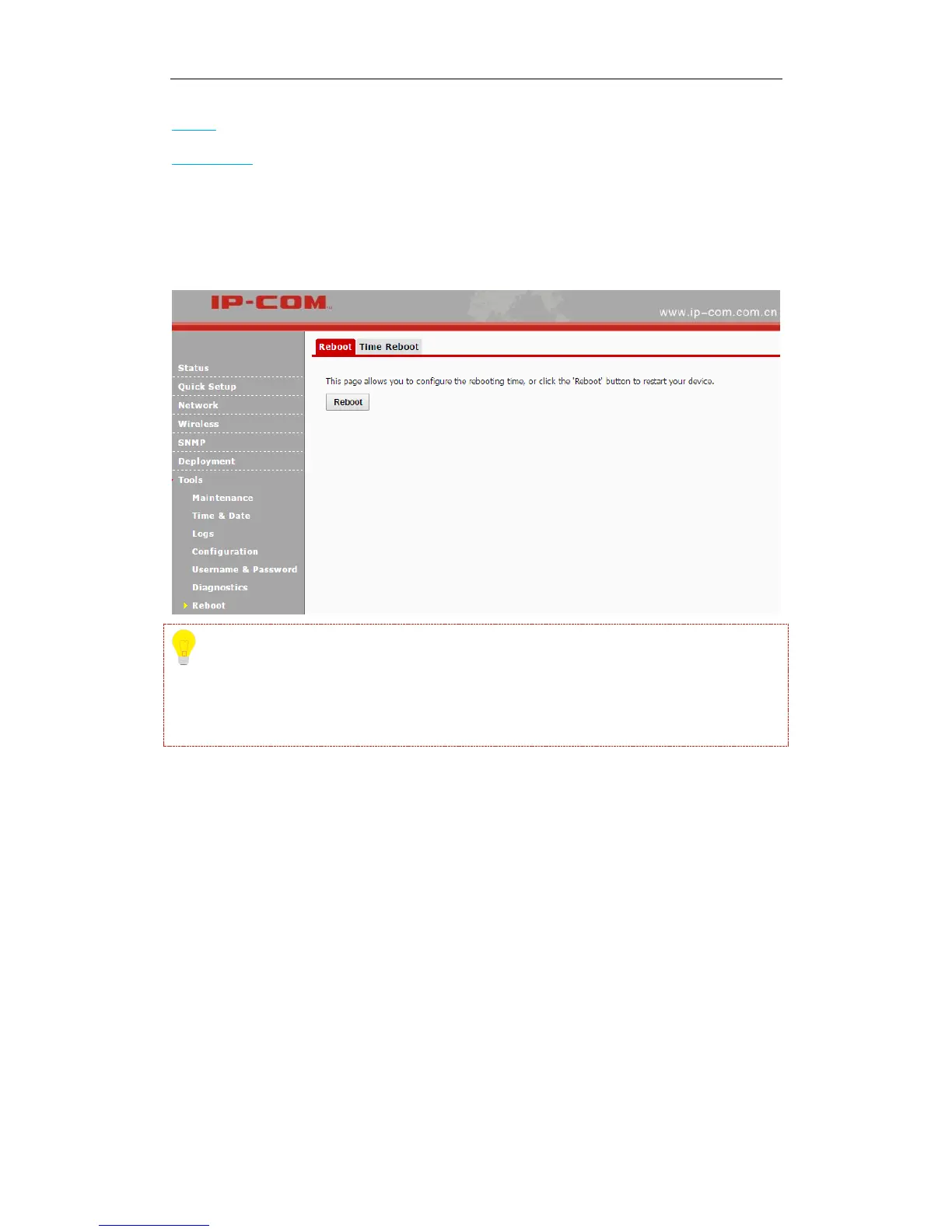
Reboot: Reboot your AP manually.
Time Reboot: Reboot your AP at the specified time.
Reboot
Click Tools > Reboot to reboot your AP manually.
Tip
While rebooting your AP, all your WiFi connections will be disconnected. Thus, please reboot
your AP when the network is not busy.
Time Reboot
Click Tools > Reboot > Time Reboot to enter page below. Here you can reboot your device at the
specified time. Once this function is enabled, please make sure that your device is synchronized
with the Internet time server.



 To Next Page