Conventions
Thank you for choosing IP-COM! Please read this user guide before you start. This user guide
instructs you to install and configure the AP.
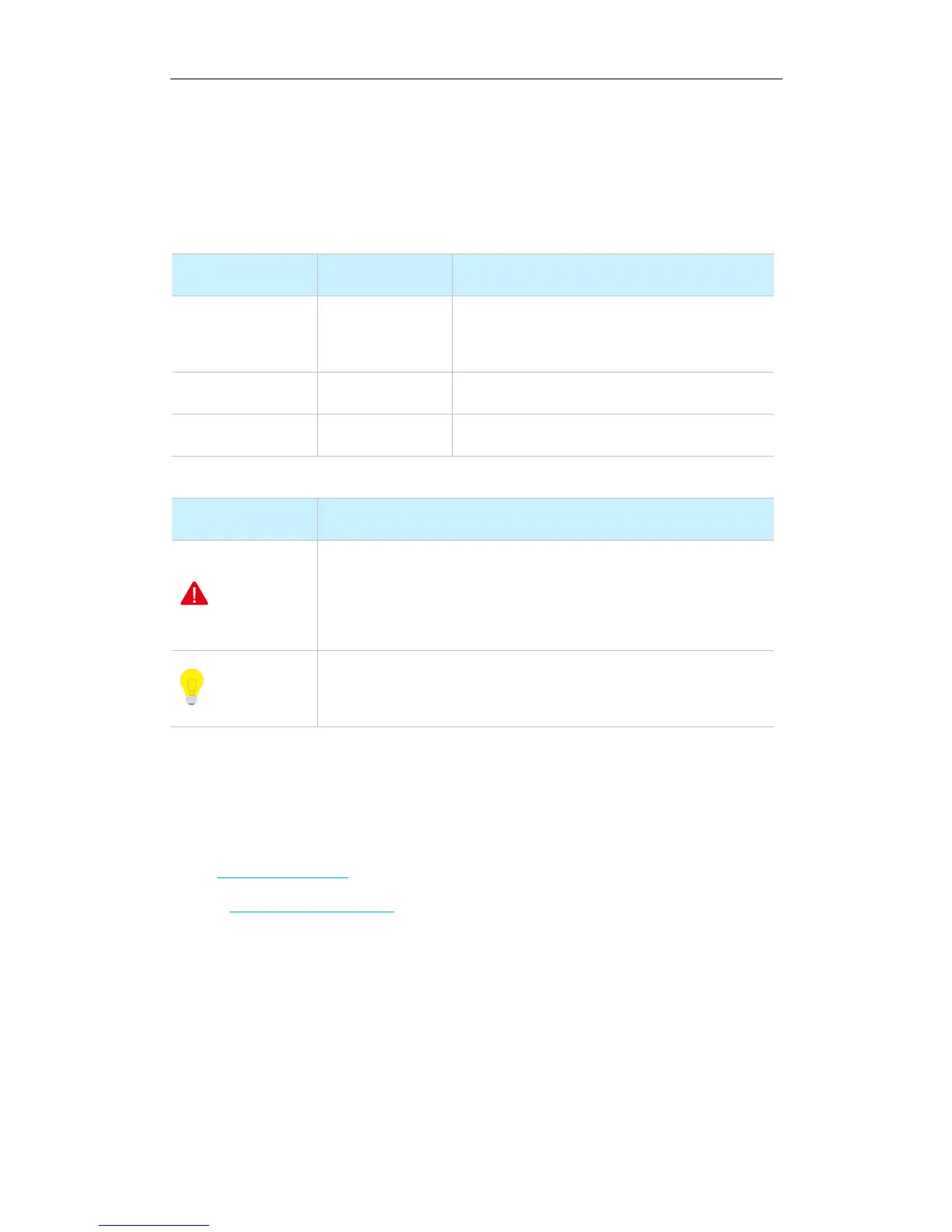
Typographical conventions in this User Guide:
“Click the Save button” can be simplified as
“Click Save”.
“The menu Basic” can be simplified as Basic.
Symbols in this User Guide:
This format is used to highlight information of importance or special
interest. Ignoring this type of note may result in ineffective
configurations, loss of data or damage to device.
This format is used to highlight a procedure that will save time or
resources.
Technical Support
Tel: (86755) 2765 3089
Email: info@ip-com.com.cn
Website: http://www.ip-com.com.cn



 To Next Page